Boeing 737 - 600/700/800/900. Operations Manual (1997 year) - page 62
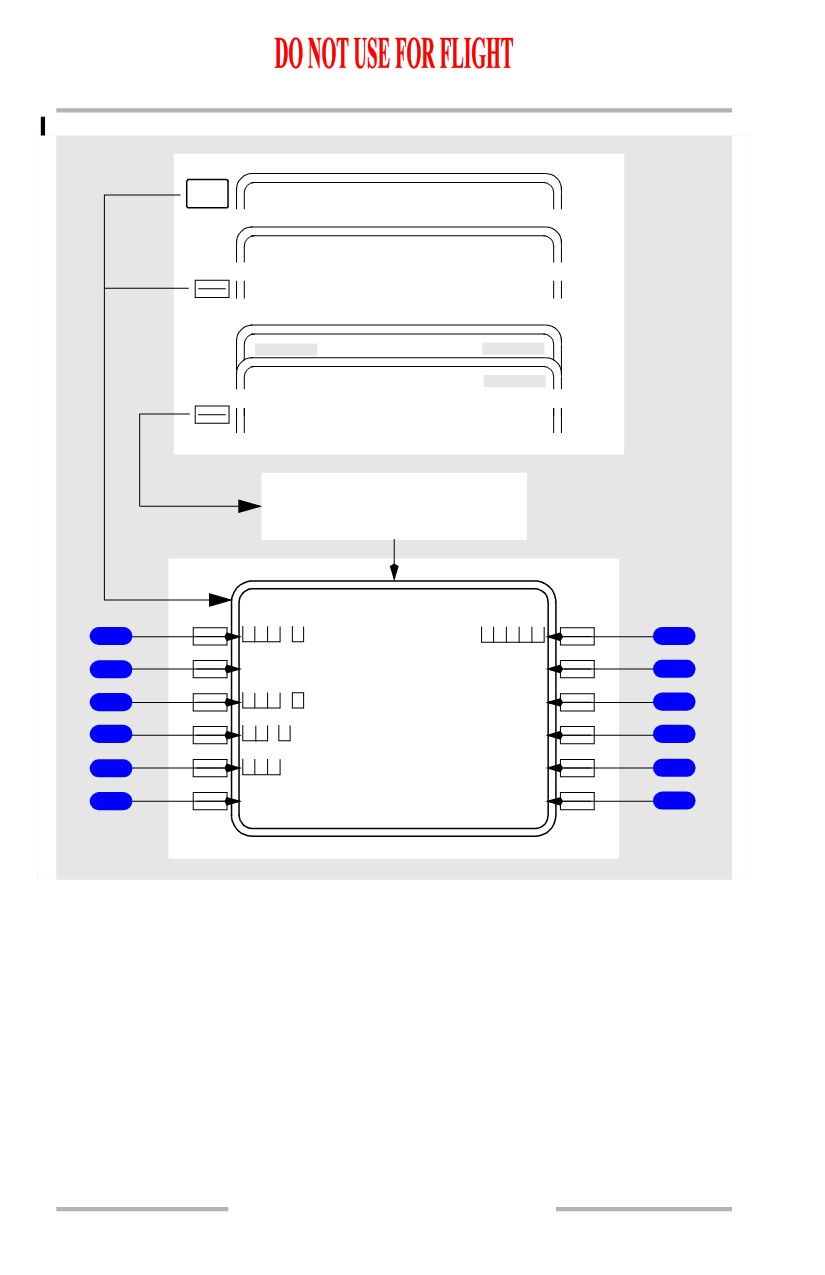
Flight Management, Navigation -
FMC Preflight
Boeing 737 Operations Manual
[Option - FMC U10.1 and later, with PLAN FUEL line]
NEXT
PAGE
PER F LIMITS
2 / 2
INIT/ REF INDEX
<PER F
RT E
TAK EOFF REF
<PERF INI T
On ground,
PERF INIT incomplete
PER F INIT
1 / 2
G W / C R Z
C
G
T R I P / C R Z A L T
1
/
8
0% FL190/
7
P L A N / F U E L
C R Z W I N D
2
---.-/ 34
0
---` /---
8
Z F W
I S A D E V
3
---` F ---` C
9
R E S E R V E S
T / C O A T
4
---` F ---` C
10
C O S T I N D E X
T R A N S A L T
5
18000
11
--------
-
-
--------------
6
<INDE X
N1
LIMIT>
12
11.40.28
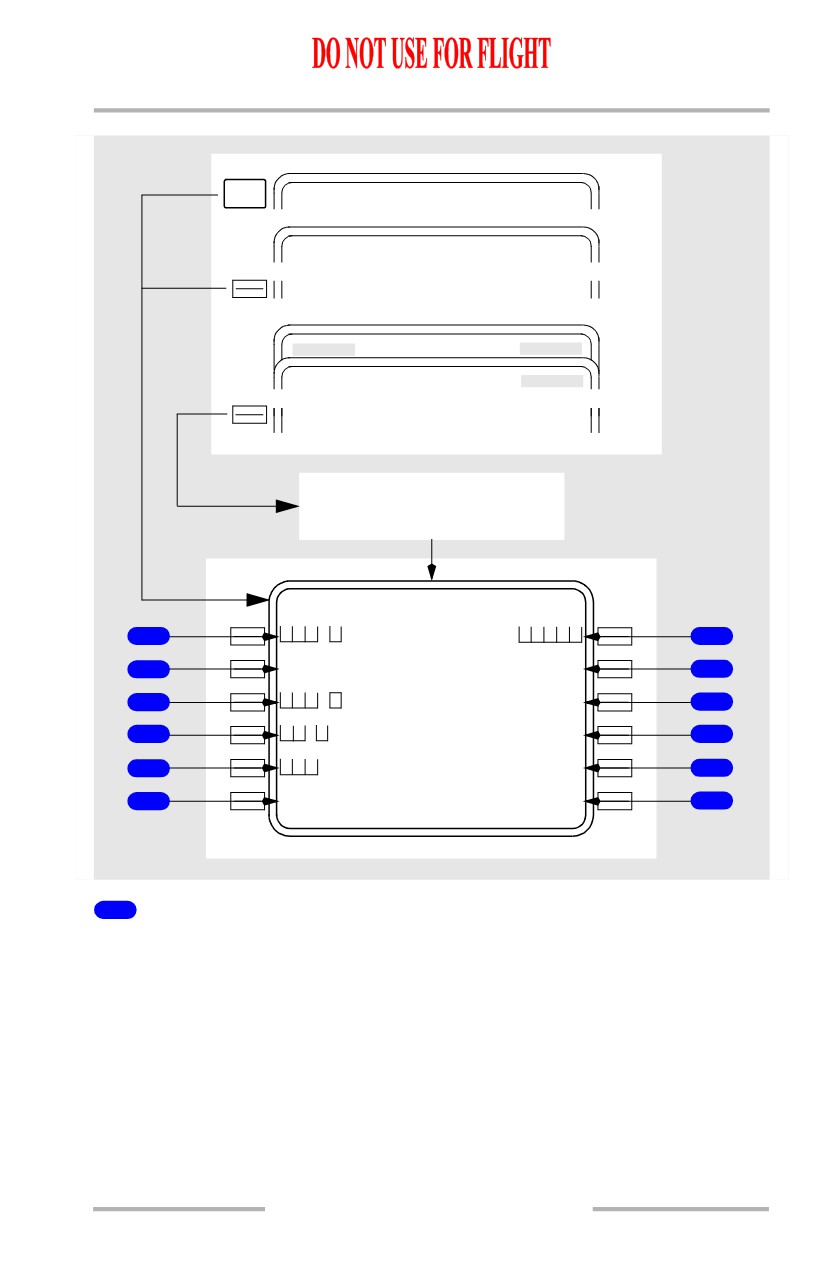
Flight Management, Navigation -
FMC Preflight
Boeing 737 Operations Manual
[Option - FMC U10.1 and later, with company data link and PLAN FUEL line]
NEXT
PAGE
PER F LIMITS
2 / 2
INIT/ REF INDEX
<PER F
RT E
TAK EOFF REF
<PERF INI T
On ground,
PERF INIT incomplete
PER F INIT
1 / 2
G W / C R Z
C
G
T R I P / C R Z A L T
1
/
8
0% FL190/
7
P L A N / F U E L
C R Z W I N D
2
---.-/ 34
0
---` /---
8
Z F W
T / C O A T
3
---` F ---` C
9
R E S E R V E S
T R A N S A L T
4
18000
10
C O S T I N D E X
P E R F I N I T
5
REQ UEST>
11
--------
-
-
--------------
6
<INDE X
N1
LIMIT>
12
1
Gross Weight/Cruise Center of Gravity (GW/ CRZ CG)
Airplane gross weight is required. The entry can be made by the flight crew or
automatically calculated by the FMC, following entry of zero fuel weight.
Enter airplane gross weight.
Valid entries are xxx or xxx.x.
Automatically displays calculated weight when zero fuel weight is entered first.
Displays default or manually entered cruise CG. Entry of actual cruise CG may
increase maximum altitude capability.
11.40.29
Flight Management, Navigation -
FMC Preflight
Boeing 737 Operations Manual
2
FUEL
Fuel on board is automatically displayed as received from the airplane fuel
quantity indication system.
In flight, when the FMC is not receiving the required fuel data, displays dashes
and manual fuel weight entry is possible. After manual entry, MAN (manual)
shows by the fuel weight. After manual entry, periodic update of the fuel weight
is required for the remainder of the flight to keep gross weight current.
2
PLAN/FUEL
[Option - With PLAN FUEL line]
Fuel on board is automatically displayed as received from the airplane fuel
quantity indication system.
[Option - FMC U10.3 and later]
PLAN entry allows fuel predictions before actual fuel is known. Entry is blanked
with flaps extended or in flight.
In flight, when the FMC is not receiving the required fuel data, displays dashes
and manual fuel weight entry is possible. After manual entry, MAN (manual)
shows by the fuel weight. After manual entry, periodic update of the fuel weight
is required for the remainder of the flight to keep gross weight current.
3
Zero Fuel Weight (ZFW)
Airplane zero fuel weight is required. Normally the ZFW is entered from the
airplane dispatch papers and the FMC calculates the airplane gross weight.
Enter the airplane zero fuel weight.
Valid entry is xxx or xxx.x.
Calculated zero fuel weight is automatically displayed if airplane gross weight is
entered first and fuel on board is valid.
4
RESERVES
Enter fuel reserves for the route.
Entry is required to complete the preflight.
Valid entry is xx or xx.x.
5
COST INDEX
The cost index is used to calculate ECON climb and cruise speeds. The value
reflects the relative impacts on overall trip cost of fuel cost as compared to other
direct hourly operating costs.
Enter the cost index for ECON calculations.
11.40.30
Flight Management, Navigation -
FMC Preflight
Boeing 737 Operations Manual
Entry is required to enable use of VNAV mode.
Valid entries are 0 to 500. 0 causes the ECON speed to be MAX RANGE; 500
results in a minimum time flight.
Entry of a company route on RTE page causes any company stored value of cost
index to be automatically displayed. A manual entry has priority.
6
INDEX
Push - displays the INIT/REF INDEX page.
7
Trip/Cruise Altitude (TRIP/CRZ ALT)
Trip altitude is automatically computed and displayed whenever entries have been
made for the ORIGIN, DEST, GROSS WT, and COST INDEX. Otherwise, the
field is blank.
Trip altitude is the predicted minimum cost altitude determined by operator
constraints. Provides crew a reference for selecting a planned cruise altitude.
Cruise altitude is required.
Enter the cruise altitude for the route.
Automatically displays this cruise altitude on the CLB, CRZ, and RTE Legs
pages.
8
Cruise Wind (CRZ WIND)
Cruise wind entry provides input to optimize FMC calculations.
Enter the forecast cruise wind.
Entry is propagated onto the RTE DATA page.
If no entry made, the FMC assumes zero wind for preflight predictions.
9
ISA Deviation (ISA DEV)
ISA deviation entry provides input to optimize FMC calculations.
Entry causes T/C OAT to be computed and displayed.
Enter ISA deviation for top of climb altitude.
If no entry made, FMC assumes zero deviation.
9
Top of Climb Outside Air Temperature (T/C OAT)
[Option - With company data link]
T/C OAT entry provides input to optimize FMC calculations.
Entry causes ISA DEV to be computed and displayed.
11.40.31
Flight Management, Navigation -
FMC Preflight
Boeing 737 Operations Manual
Enter top of climb OAT.
If no entry made, FMC assumes ISA value.
10
Top of Climb Outside Air Temperature (T/C OAT)
T/C OAT entry provides input to optimize FMC calculations.
Entry causes ISA DEV to be computed and displayed.
Enter top of climb OAT.
If no entry made, FMC assumes ISA value.
10
Transition Altitude (TRANS ALT)
[Option - With company data link]
Displays 18,000 feet at FMC power up.
Changes automatically after selecting a departure procedure with
a different
transition altitude.
Manual entry has priority.
11
Transition Altitude (TRANS ALT)
Displays 18,000 feet at FMC power up.
Changes automatically after selecting a departure procedure with
a different
transition altitude.
Manual entry has priority.
11
PERF INIT REQUEST
[Option - With company data link]
Push - transmits a data link request for a PERF INIT uplink
12
N1 LIMIT
[Option - FMC U10.1 and later]
Push - displays the N1 LIMIT page.
11.40.32
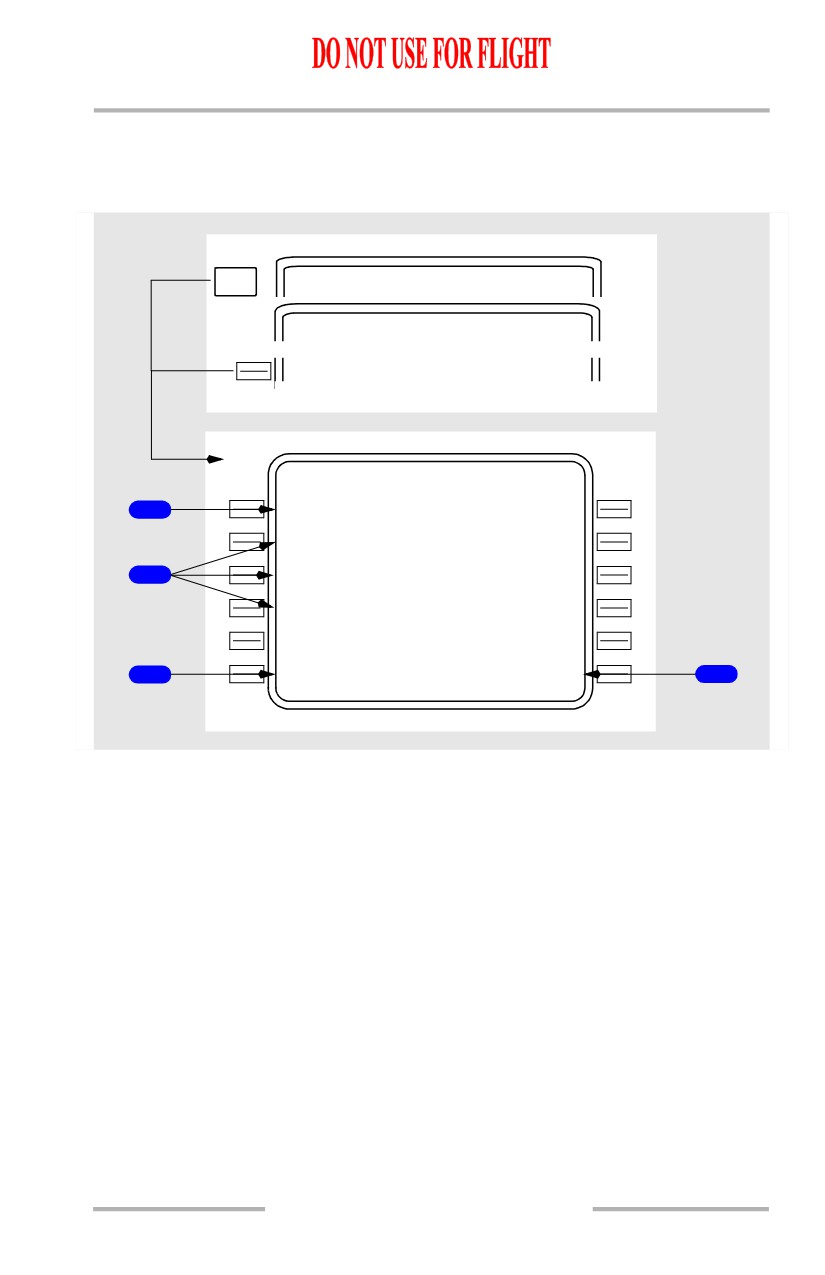
Flight Management, Navigation -
FMC Preflight
Boeing 737 Operations Manual
Performance Limits Page
The performance limits page allows the entry of performance limits affecting RTA
and ECON calculations.
NEXT
PE RF INIT
1 / 2
PAGE
RTA PROGRESS
<LIMIT S
PER F LIMITS
2 / 2
T I M E E R
R
O
R T O L E R A N C E
1
8
S E
C
A
T R T A W P T
M I N S P
D
-
- C L B - - M A X S P D
210 /.5
0
0
340 / .8 2 0
- - C R Z - -
2
220/.6
5
0
340 / .8 2 0
- - D E S - -
240/.5
0
0
320/ .780
- - - - - - - -
-
-
- - - - - - - - - - - - - -
3
<INDE X
RTA>
4
11.40.33
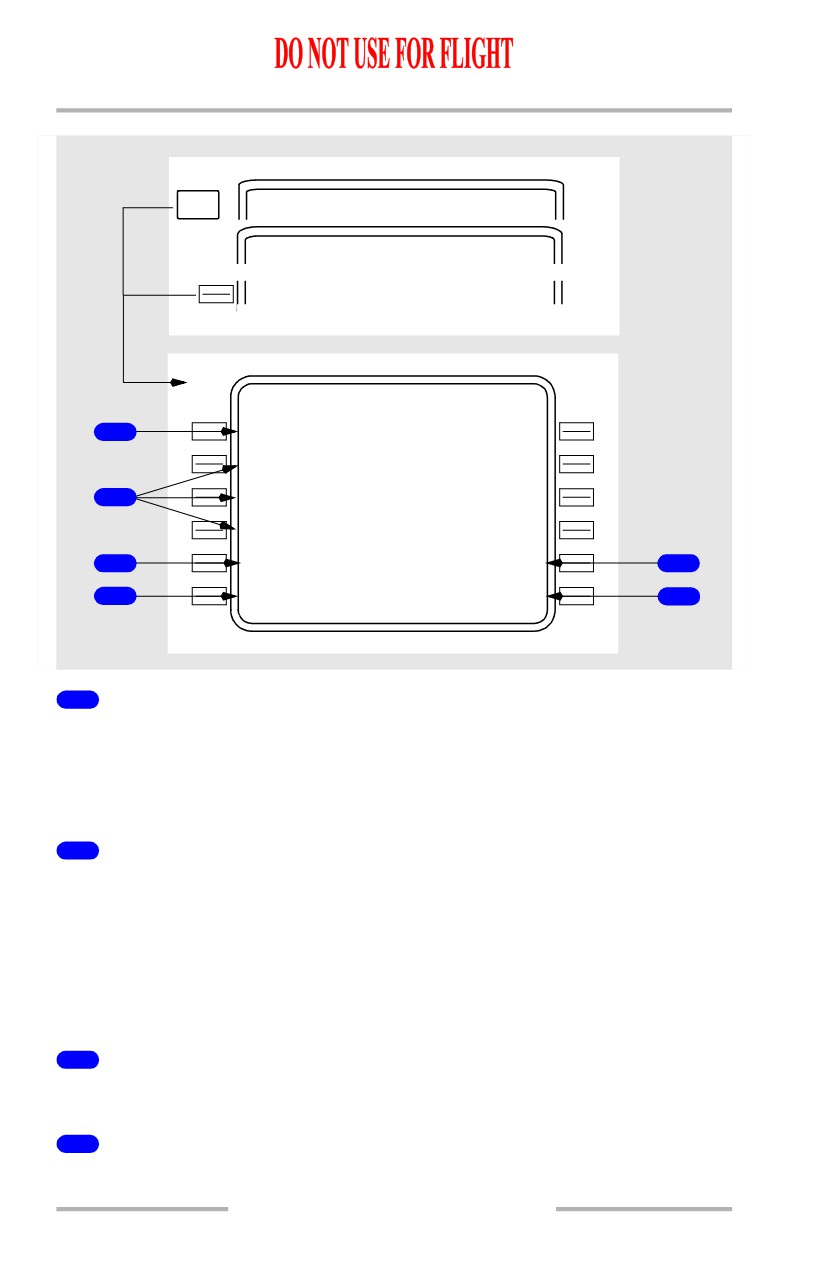
Flight Management, Navigation -
FMC Preflight
Boeing 737 Operations Manual
[Option - With company data link]
NEXT
PE RF INIT
1 / 2
PAGE
RTA PROGRESS
<LIMIT S
PER F LIMITS
2 / 2
T I M E E R
R
O
R T O L E R A N C E
1
8
S E
C
A
T R T A W P T
M I N S P
D
-
- C L B - - M A X S P D
210 /.5
0
0
340 / . 8 2 0
- - C R Z - -
2
220/.6
5
0
340 / .8 2 0
- - D E S - -
240/.5
0
0
320/ .780
P E R F L I M
P E R F L I M
5
<REPOR T
REQUEST>
6
- - - - - - - -
-
-
- - - - - - - - - - - - - -
3
<INDE X
RTA>
4
1
TIME ERROR TOLERANCE
Used during RTA calculations to establish a boundary on computed speeds.
Valid entry range is from 5 to 30 seconds.
Default value is 30 seconds and is displayed in small font.
2
Minimum Speed/Maximum Speed (MIN SPD/MAX SPD)
Establishes lower and upper speed limits for each phase of flight.
Default is 210/.40 for lower limit and 340/.820 for upper limit. Displayed in small
font.
Either CAS or Mach can be entered.
Limits both RTA and ECON modes in flight.
3
INDEX
Push - selects INIT /REF INDEX page.
4
Required Time of Arrival (RTA)
Push - selects RTA PROGRESS page.
11.40.34
Flight Management, Navigation -
FMC Preflight
Boeing 737 Operations Manual
5
PERF LIM REPORT
[Option - With company data link]
Push - transmits displayed performance limits to ground station.
6
PERF LIM REQUEST
[Option - With company data link]
Push - transmits a data link request for a performance limits uplink.
11.40.35
Flight Management, Navigation -
FMC Preflight
Boeing 737 Operations Manual
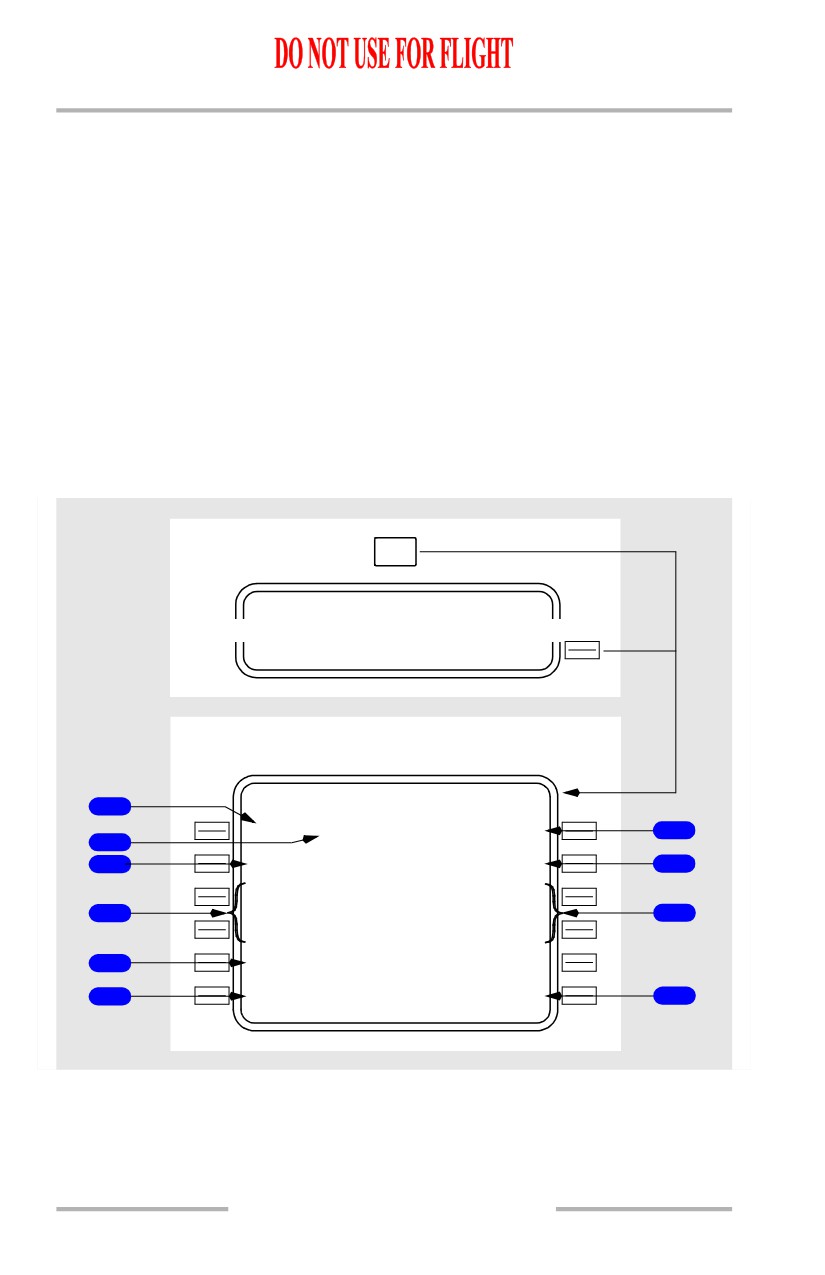
N1 LIMIT Page - Preflight
[Option - FMC U10.1 and later]
This section describes the preflight version of the N1 LIMIT page. See the FMC
Takeoff and Climb section for a description of the in-flight version of the N1
LIMIT page.
The N1 LIMIT page is used during preflight to manage takeoff and climb thrust.
Temperature data is entered, allowing the FMC to make N1 computations for
normal or reduced thrust takeoff. Fixed takeoff and climb thrust derates may be
selected.
[Option - Takeoff bump thrust]
The N1 LIMIT page is also used to select a takeoff bump thrust setting to meet
extra thrust requirements for takeoff at certain airports.
[Option - Aspirated TAT, with takeoff bump thrust]
N1
LIMIT
PER F INIT
1 / 2
N1
L
I
MIT>
On ground
N1 LIMIT
1 / 1
1
S E L / O A T
X X K B U M P N 1
- - - - /
+ 1
5
`
C
102.5/102.5
6
2
X X K
3
<T O
<SEL>
CLB>
7
X X K D E R A T E
<TO
-
1
CLB-1>
4
X X K D E R A T E
8
<TO
-
2
CLB-2>
X X K B U M P
10
<TO-B
<AC T>
- - - - - - - -
-
-
- - - - - - - - - - - - - -
5
<PERF IN
I
T
TAKEOFF>
9
11.40.36
Flight Management, Navigation -
FMC Preflight
Boeing 737 Operations Manual
[Option - Non-aspirated TAT, with takeoff bump thrust]
N1
LIMIT
PER F INIT
1 / 2
N1
L
I
MIT>
On ground
N1 LIMIT
1 / 1
1
S E L / O A T
X X K B U M P N 1
- - - - /
` C
102.5/102.5
6
2
X X K
3
<T O
<SEL>
CLB>
7
X X K D E R A T E
<TO
-
1
CLB-1>
4
X X K D E R A T E
8
<TO
-
2
CLB-2>
X X K B U M P
10
<TO-B
<AC T>
- - - - - - - -
-
-
- - - - - - - - - - - - - -
5
<PERF IN
I
T
TAKEOFF>
9
11.40.37
Flight Management, Navigation -
FMC Preflight
Boeing 737 Operations Manual
[Option - Aspirated TAT]
N1
LIMIT
PER F INIT
1 / 2
N1
L
I
MIT>
On ground
N1 LIMIT
1 / 1
1
S E L / O A T
X X K N 1
- - - - /
+ 1
5
`
C
94.6/
94.6
6
2
X X K
3
<T O
CLB>
7
X X K D E R A T E
<TO-1
<AC T>
<SEL> CLB-1>
4
X X K D E R A T E
8
<TO
-
2
CLB-2>
- - - - - - - -
-
-
- - - - - - - - - - - - - -
5
<PERF IN
I
T
TAKEOFF>
9
1
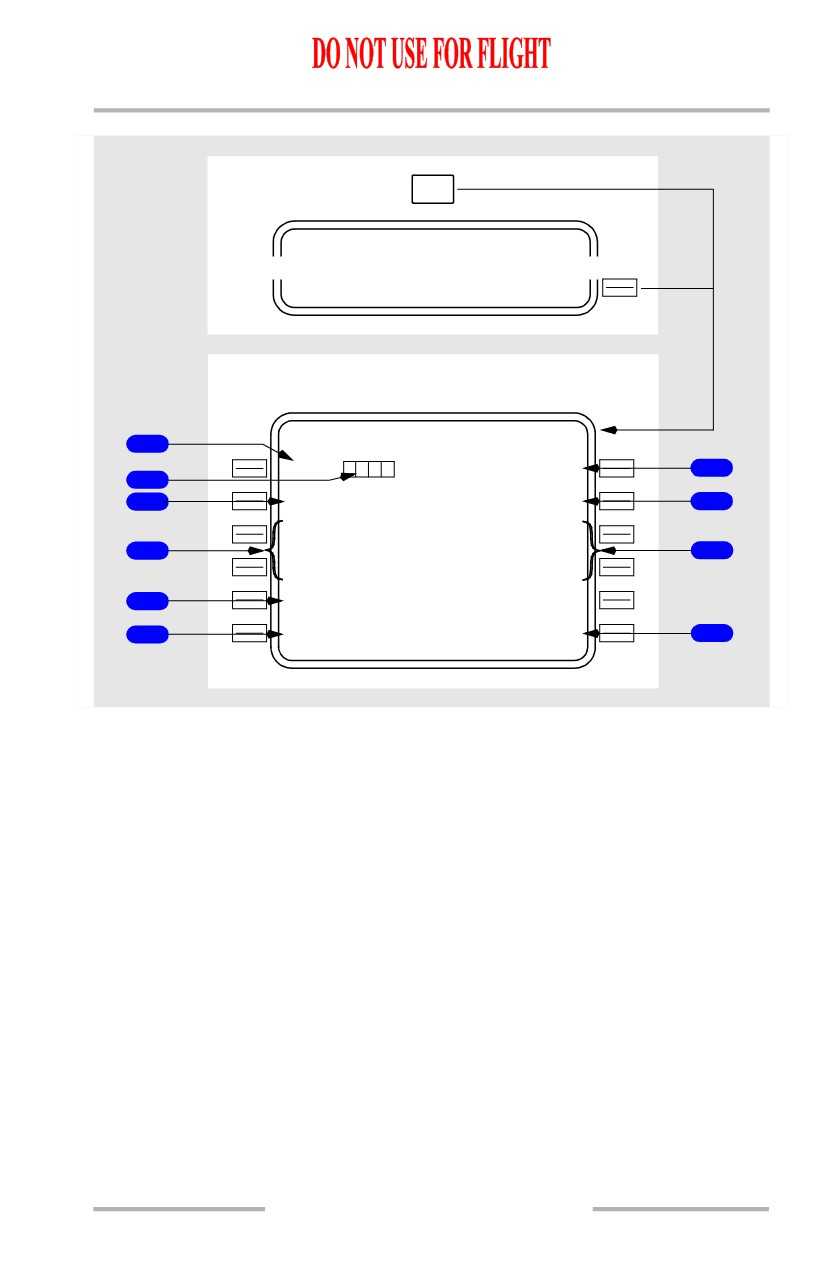
Selected Temperature (SEL)
Entry of an assumed temperature calculates a reduced thrust takeoff N1.
Entry can be made in degrees C or degrees F.
Maximum allowable entry is 70 degrees C (158 degrees F). The FMC, however,
will limit the N1 to 25% takeoff reduction.
2
Outside Air Temperature (OAT)
[Option - Aspirated TAT]
Aspirated TAT displays the sensed OAT in small-size characters. Manual entry of
actual takeoff OAT is displayed in large-sized characters.
Sensed or manually entered OAT is used by the FMC to calculate the takeoff N1
limits.
Entry can be made in degrees C or degrees F.
11.40.38
Flight Management, Navigation -
FMC Preflight
Boeing 737 Operations Manual
2
Outside Air Temperature (OAT)
[Option - Non-aspirated TAT]
Manual entry of actual takeoff OAT is displayed in large-sized characters and is
used by the FMC to calculate the takeoff N1 limits.
Entry can be made in degrees C or degrees F.
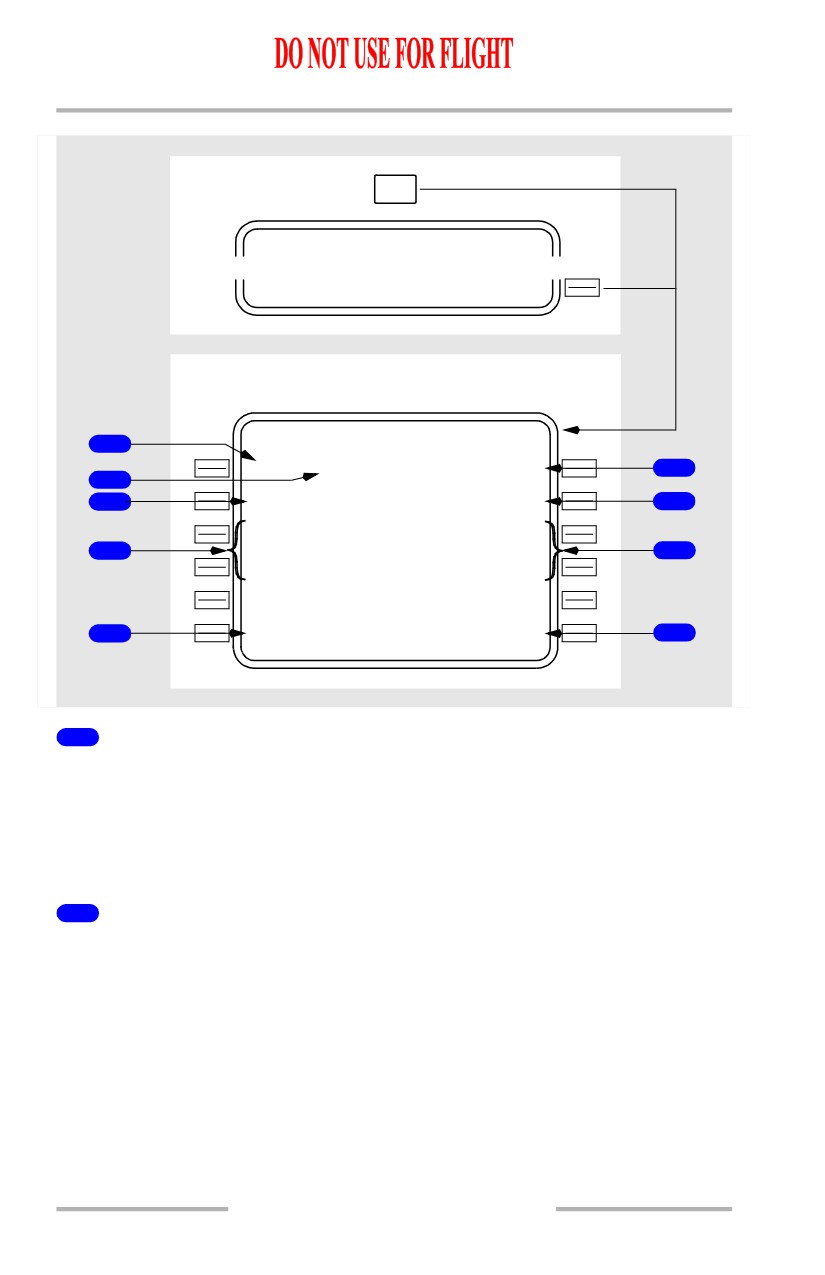
3
Takeoff Thrust Limit (TO XXK)
Push - selects full rated takeoff thrust limit.
Selection of TO automatically selects CLB thrust.
Data line title displays full rated thrust. Typical line titles display as “24K” or
“22K.”
Selection of a new rating after V speeds are selected on the TAKEOFF REF page
causes the V speeds to display in small font, and the NO VSPD flag to show on
the airspeed indication.
4
Takeoff Derates (TO-1 and TO-2)
Push - selects the associated takeoff thrust limit.
[Option - With company data link]
Takeoff data uplink may automatically select a thrust derate.
Data line title displays the associated reduced thrust rating. Typical line titles
display as “22K DERATE” or “20K DERATE”
Normally, selecting TO-1 automatically arms CLB-1 and selecting TO-2
automatically arms CLB-2.
Note: If a reduced thrust takeoff has been specified, then either CLB-1 or CLB-2
may be automatically specified if required to avoid a climb N1 value
greater than the specified reduced thrust takeoff N1.
Selection of a new rating after V speeds are selected on the TAKEOFF REF page
causes the V speeds to display in small font, and the NO VSPD flag to show on
the airspeed indication.
5
PERF INIT
Push - displays the PERF INIT page.
6
Takeoff N1 (XXK N1)
Displays the FMC computed N1 for takeoff
Data line title displays full rated thrust or selected takeoff derate thrust. Typical
line titles display as “24K N1” or “22K N1”
11.40.39
Flight Management, Navigation -
FMC Preflight
Boeing 737 Operations Manual
Data line title changes to RED XXK N1 when an assumed temperature (SEL
TEMP) entry results in a reduced N1 value. If a SEL TEMP and a DERATE are
both selected the data line title will change to "RED XXK N1," and the effect on
thrust will be additive. The Reference N1 bugs will still display full rated or
selected takeoff derate thrust N1 values.
[Option - Takeoff bump thrust]
Data line title changes to XXK BUMP N1 when takeoff bump thrust is selected.
7
Climb (CLB)
Push - selects full rated climb thrust limit.
[Option - Automatic takeoff thrust reduction]
Climb thrust is automatically selected at the thrust reduction point on the
TAKEOFF REF page 2.
8
Reduced Climb (CLB-1 and CLB-2)
Push - selects the associated reduced thrust climb mode.
CLB-1 provides a climb limit reduced by 3% N1 (approximately 10% thrust).
CLB-2 provides a climb limit reduced by 6% N1 (approximately 20% thrust).
Deletion results in the selection of CLB thrust.
Manual selection of a climb thrust rating overrides the automatic selection.
[Option - With company data link]
Takeoff data uplink may automatically select a thrust derate.
9
TAKEOFF
Push - displays the TAKEOFF REF page.
10
Takeoff Bump Thrust (TO-B)
[Option]
Push - selects takeoff bump thrust limit
Selection of TO-B automatically selects CLB thrust.
Data line title displays takeoff bump thrust. Typical line titles display as “26K
BUMP” or “24K BUMP.”
When takeoff bump thrust is selected, assumed temperature (SEL temperature)
thrust reduction is not available.
[Option - With company data link]
Takeoff data uplink may automatically select takeoff bump thrust.
11.40.40
Flight Management, Navigation -
FMC Preflight
Boeing 737 Operations Manual
Selecting Takeoff Thrust
Selecting the maximum takeoff thrust or a derate displays <ACT> inboard of the
option. The FMC automatically selects the highest climb thrust available which
would not result in a throttle increase, when the aircraft transitions from takeoff to
climb. <SEL> is displayed inboard of the selected climb N1 limit.
11.40.41
Flight Management, Navigation -
FMC Preflight
Boeing 737 Operations Manual
Takeoff Reference Page 1/2
The takeoff reference page allows the crew to manage takeoff performance.
[Option - FMC U10.1 and later]
Takeoff flap setting and V speeds are entered and verified. Thrust limits, takeoff
position, CG, and trim can be verified or changed.
Preflight pages are selectively displayed to indicate preflight status whenever
required entries on those pages are incomplete. Takeoff reference page entries
finish the normal preflight. V speeds should be set before completion. FMC
position can be updated prior to takeoff.
11.40.42
Flight Management, Navigation -
FMC Preflight
Boeing 737 Operations Manual
[Option - FMC U10.1 and later]
[Option - FMC U10.1 and later, without data link or takeoff speeds]
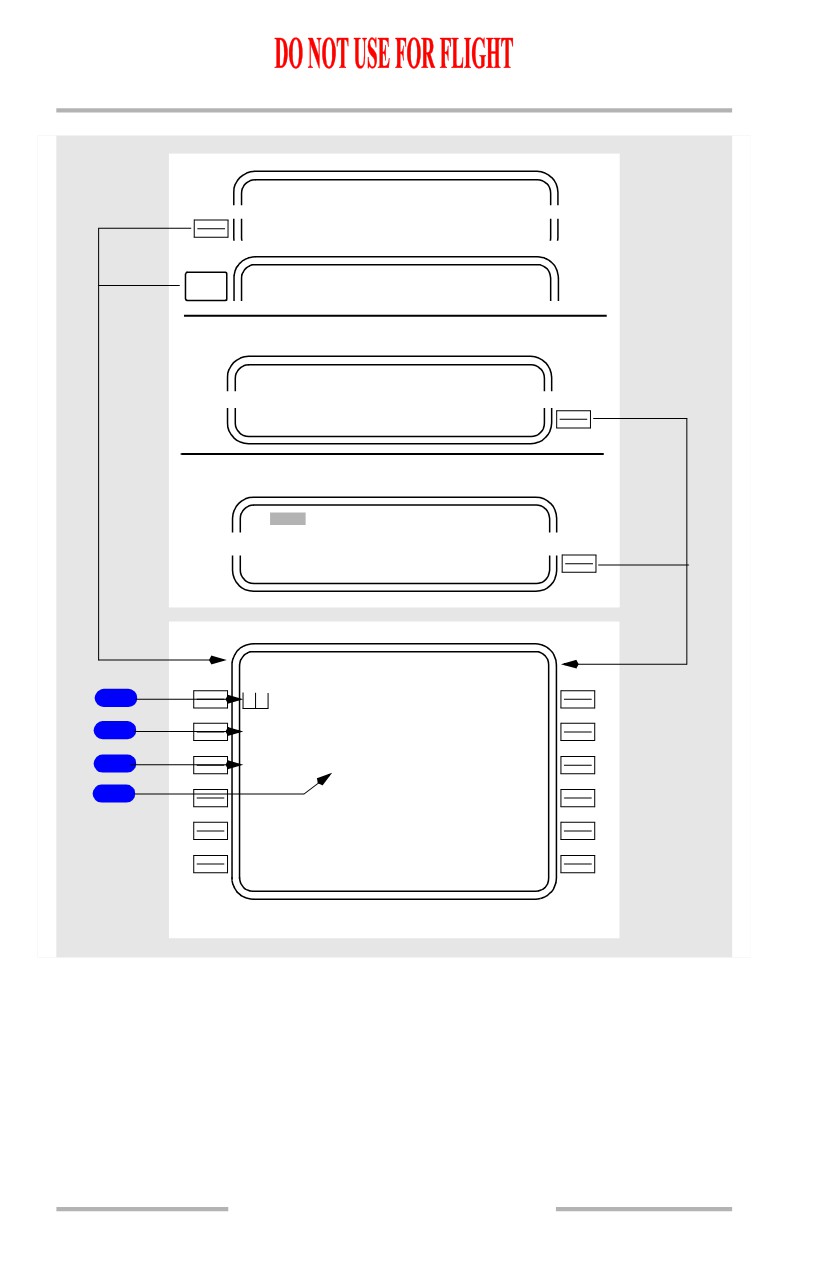
INIT/ REF INDEX
<TAKEOF F
NEXT
TAK EOFF REF
2 / 2
PAGE
On ground
N1 LIMIT
1 / 1
TAK EOFF>
On ground and PERF INIT complete
RT E
1 / X
TAK EOFF>
TAK EOFF REF
1 / 2
F L A
P
S
V 1
1
`
- - - K T
X X K
N
1
V R
2
94.6/
94
6%
- - - K T
6
C G
T R I M
V
2
3
22.5%
5.25
- - - K T
- - - - - P R E - F L T S T A T U S - - - - -
4
<POS INI T
ROUTE>
*
<PERF INI T
DEPARTURE>
*
- - - - - - - -
-
-
- - - - - - - - - - - - - -
5
<INDE X
* See subsequent pages for description
11.40.43
Flight Management, Navigation -
FMC Preflight
Boeing 737 Operations Manual
[Option - FMC U10.1 and later, with company data link]
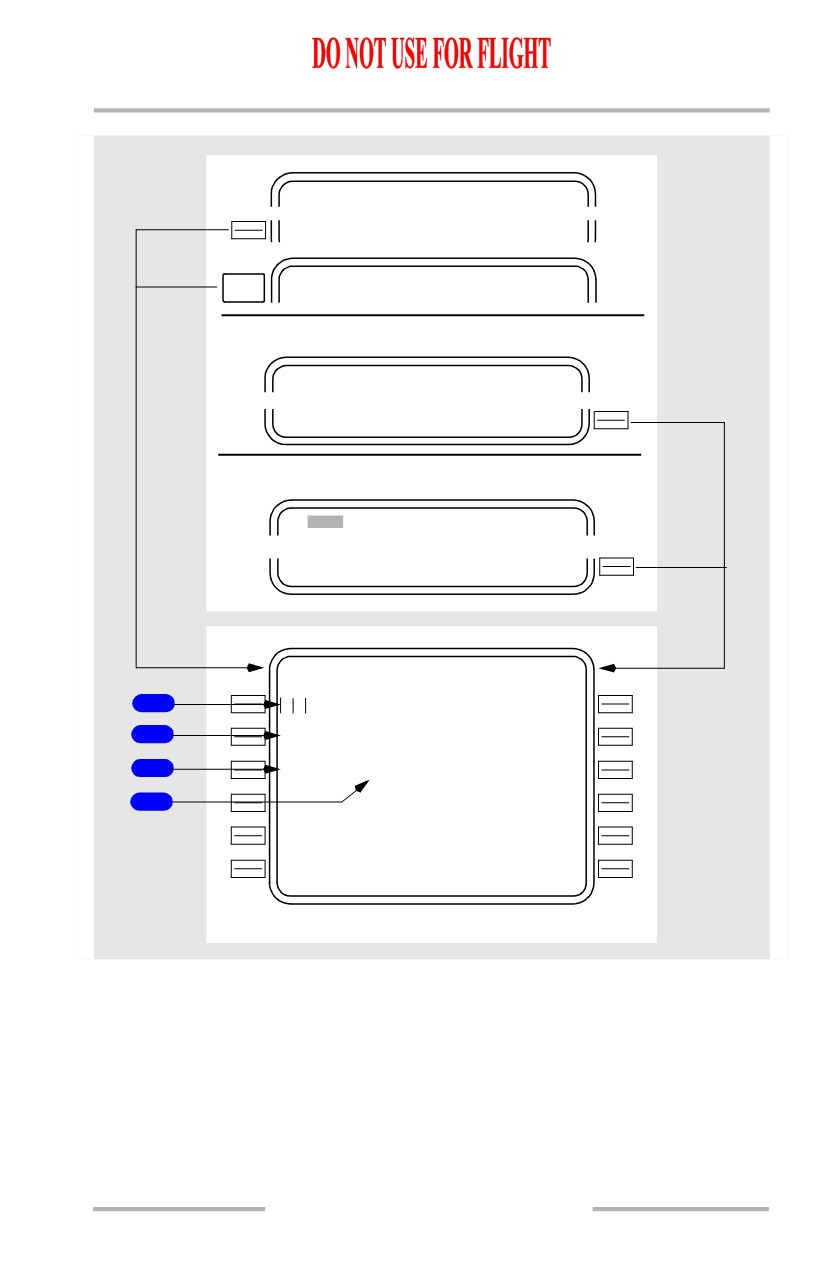
INIT/ REF INDEX
<TAKEOF F
NEXT
TAK EOFF REF
2 / 2
PAGE
On ground
N1 LIMIT
1 / 1
TAK EOFF>
On ground and PERF INIT complete
RT E
1 / X
TAK EOFF>
TAK EOFF REF
1 / 2
F L A P S
V 1
1
`
- - -
X X K
N
1
V R
2
94.6/
94
6%
- - -
C G
T R I M
V
2
3
22.5%
5.25
-
-
-
T A K E O F
F
D
A T A
G W
/ T O W
4
<REQUES T
I N T E R S E C T
- - - - - - - -
-
-
- - - - - - - - - - - - - -
*
<PERF INI T
* See subsequent pages for description
11.40.44
Flight Management, Navigation -
FMC Preflight
Boeing 737 Operations Manual
[Option - FMC U10.1 and later, with FMC computed QRH takeoff speeds]
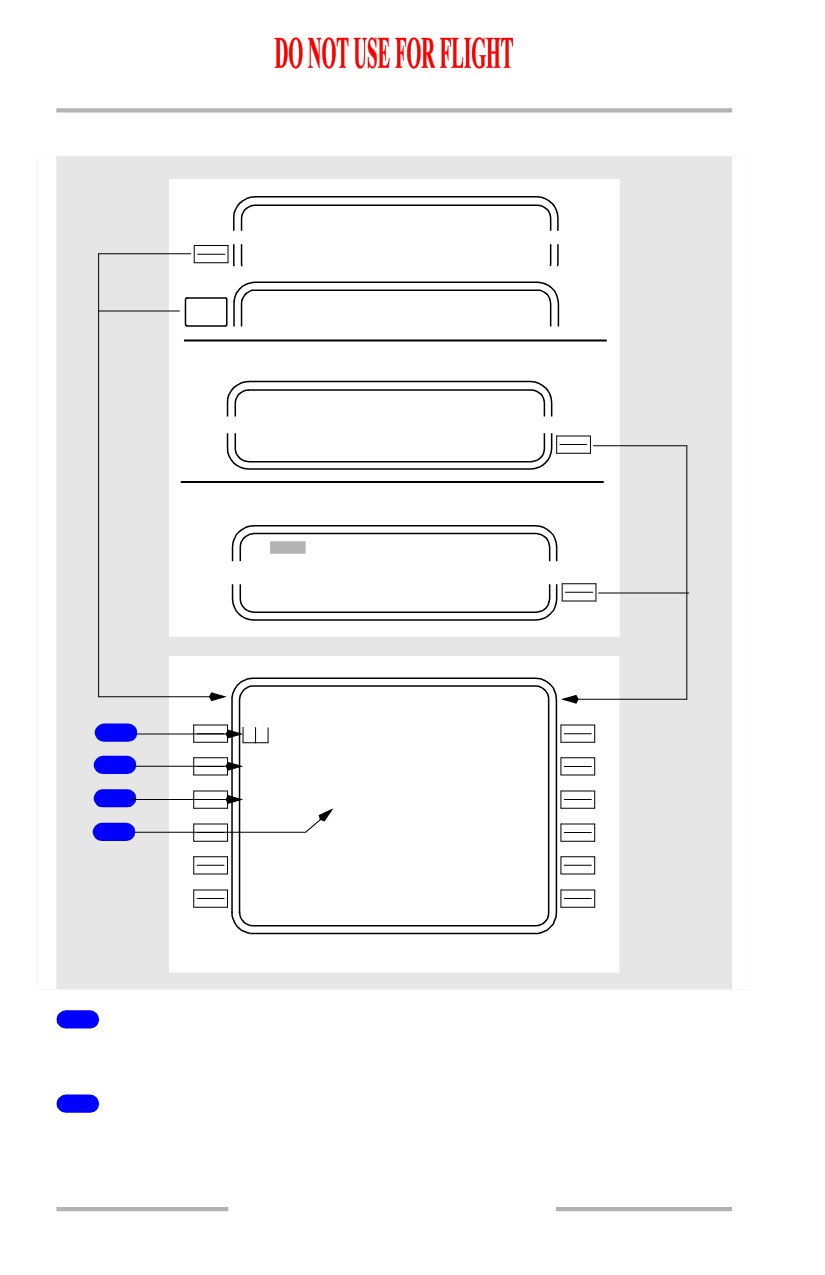
INIT/ REF INDEX
<TAKEOF F
NEXT
TAK EOFF REF
2 / 2
PAGE
On ground
N1 LIMIT
1 / 1
TAK EOFF>
On ground and PERF INIT complete
RT E
1 / X
TAK EOFF>
TAKEOFF REF
1 / 2
FLLA
P
S
Q R H
V
1
1
1`
-
-
-
X X K
N1
N
1
V R
2
94.6/
94
.6%
-
-
-
*
CGG
TRRM
I M
V
2
3
22.5%
5..5
25
-
-
-
*
G
W
/
T O W
4
RUUNAY
W A Y
- - - - - - - -
-
-
- - - - - - - - S E L E C T
<PERFINIT
NI T
QRH OFF>
*
* See subsequent pages for description
11.40.45
Flight Management, Navigation -
FMC Preflight
Boeing 737 Operations Manual
[Option - FMC U10.1 and later, with company data link and FMC computed QRH
takeoff speeds]
INIT/ REF INDEX
<TAKEOF F
NEXT
TAK EOFF REF
2 / 2
PAGE
On ground
N1 LIMIT
1 / 1
TAK EOFF>
On ground and PERF INIT complete
RT E
1 / X
TAK EOFF>
TAK EOFF REF
1 / 2
F L A
P
S
Q R H
V 1
1
`
- - -
X X K
N
1
V R
2
94.6/
94
6%
- - -
C G
T R I M
V
2
3
22.5%
5 .25
-
-
-
T A K E O F
F
D
A T A
G W
/ T O W
4
<REQUES T
I N T E R S E C T
- - - - - - - -
-
-
- - - - - - - - S E L E C T
*
<PERF INI T
QRH OFF>
* See subsequent pages for description
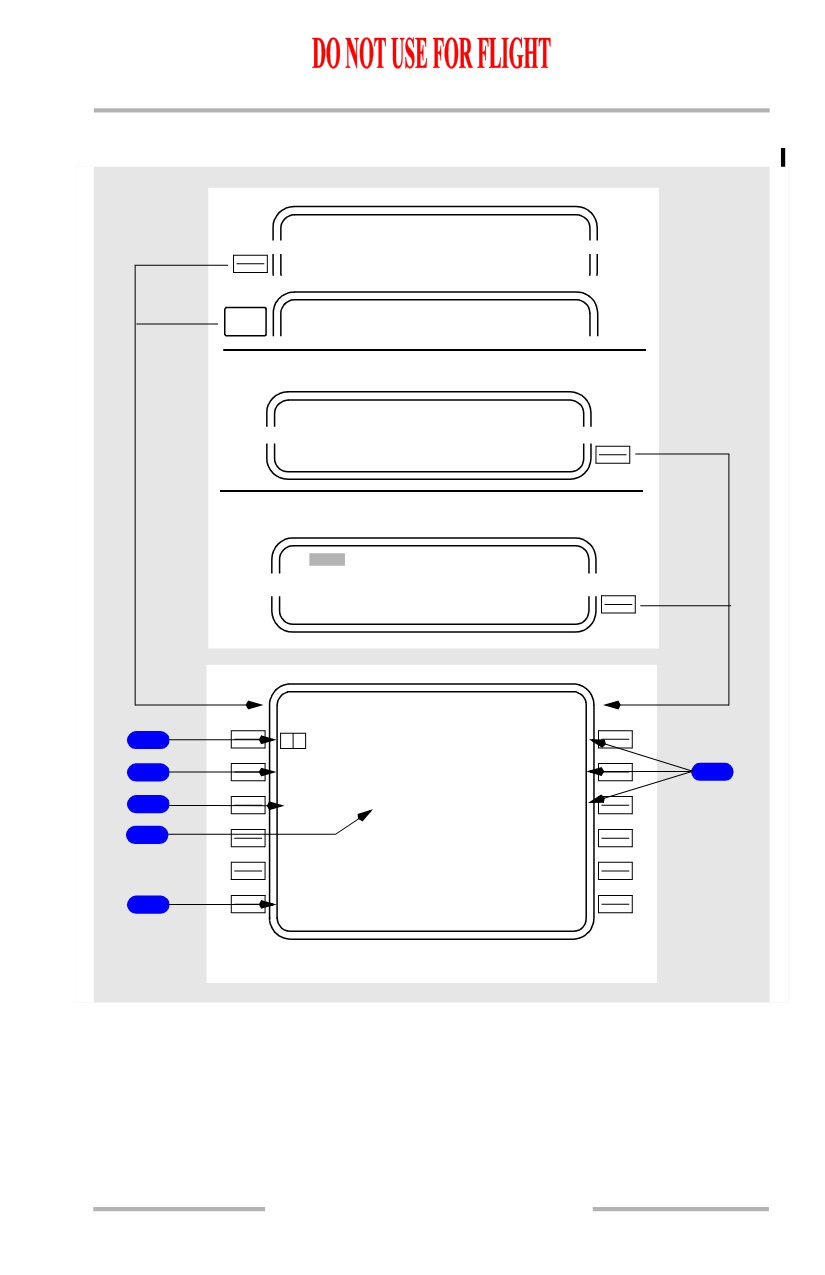
1
FLAPS
Enter takeoff flaps setting. Manual entry of 1, 5, 10, 15, or 25 allowed.
2
Takeoff N1 (XXK N1)
Displays the FMC computed N1 for takeoff.
11.40.46
Flight Management, Navigation -
FMC Preflight
Boeing 737 Operations Manual
Data line title displays full rated thrust or selected takeoff derate thrust. Typical
line titles display as “24K N1” or “22K N1.”
Data line title changes to RED XXK N1 when an assumed temperature (SEL
TEMP) entry results in a reduced N1 value. If a SEL TEMP and a DERATE are
both selected the data line title will change to "RED XXK N1," and the effect on
thrust will be additive. The Reference N1 bugs will still display full rated or
selected takeoff derate thrust N1 values.
[Option - Takeoff bump thrust]
Data line title changes to XXK BUMP N1 when takeoff bump thrust is selected.
3
Center of Gravity (CG)
Initial display is dashes.
After CG is entered, the FMC calculates and displays stabilizer takeoff trim
settings.
4
TRIM
Displays stabilizer takeoff trim setting.
Display is blank unless FLAPS and CG are entered.
5
INDEX
[Option - FMC U10.1 and later without data link or takeoff speeds]
Push - displays the INIT/REF INDEX page.
6
V Speeds
[Option - FMC U10.1 and later without data link or takeoff speeds]
Crew calculated V speeds may be entered and displayed for reference.
Entered V1 and VR will automatically display on the airspeed indication.
11.40.47