Boeing 737 - 600/700/800/900. Operations Manual (1997 year) - page 69
Flight Management, Navigation -
FMC Descent and Approach
Boeing 737 Operations Manual
3
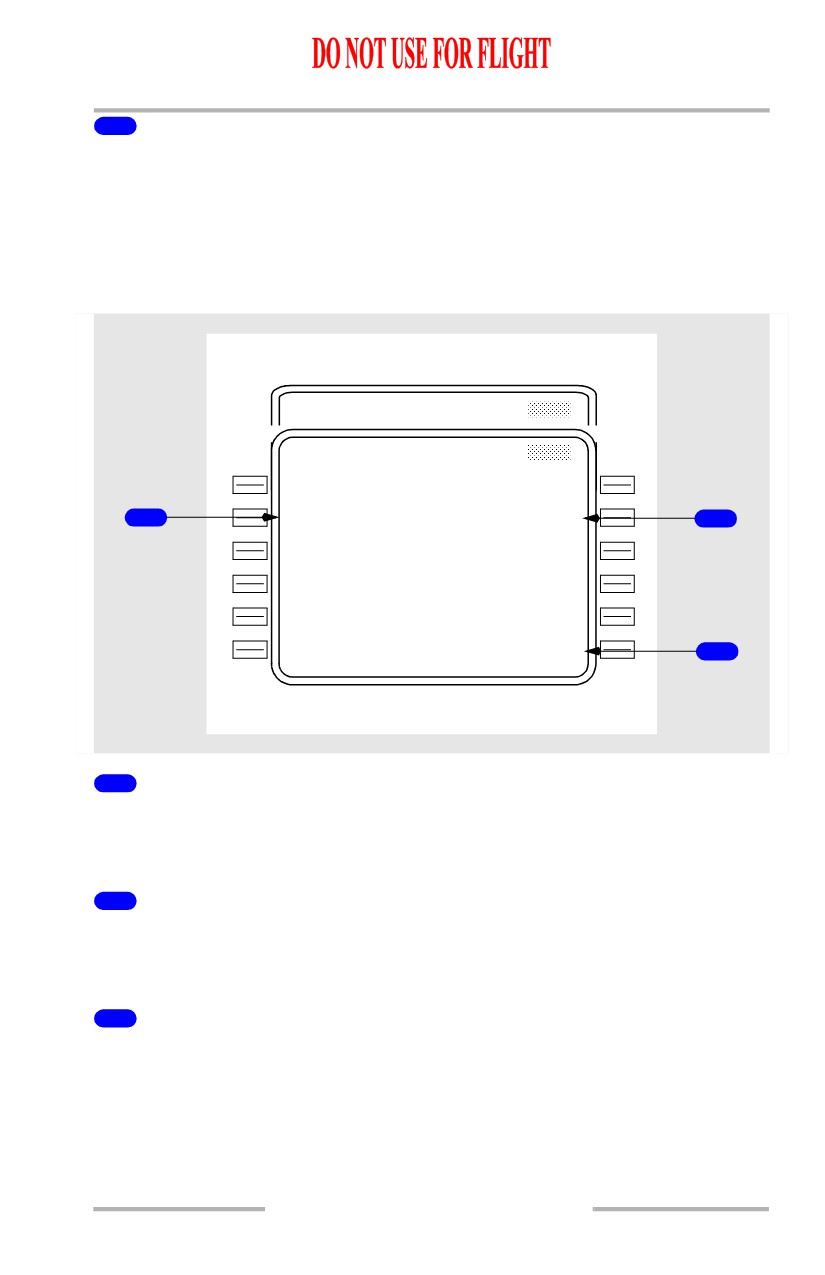
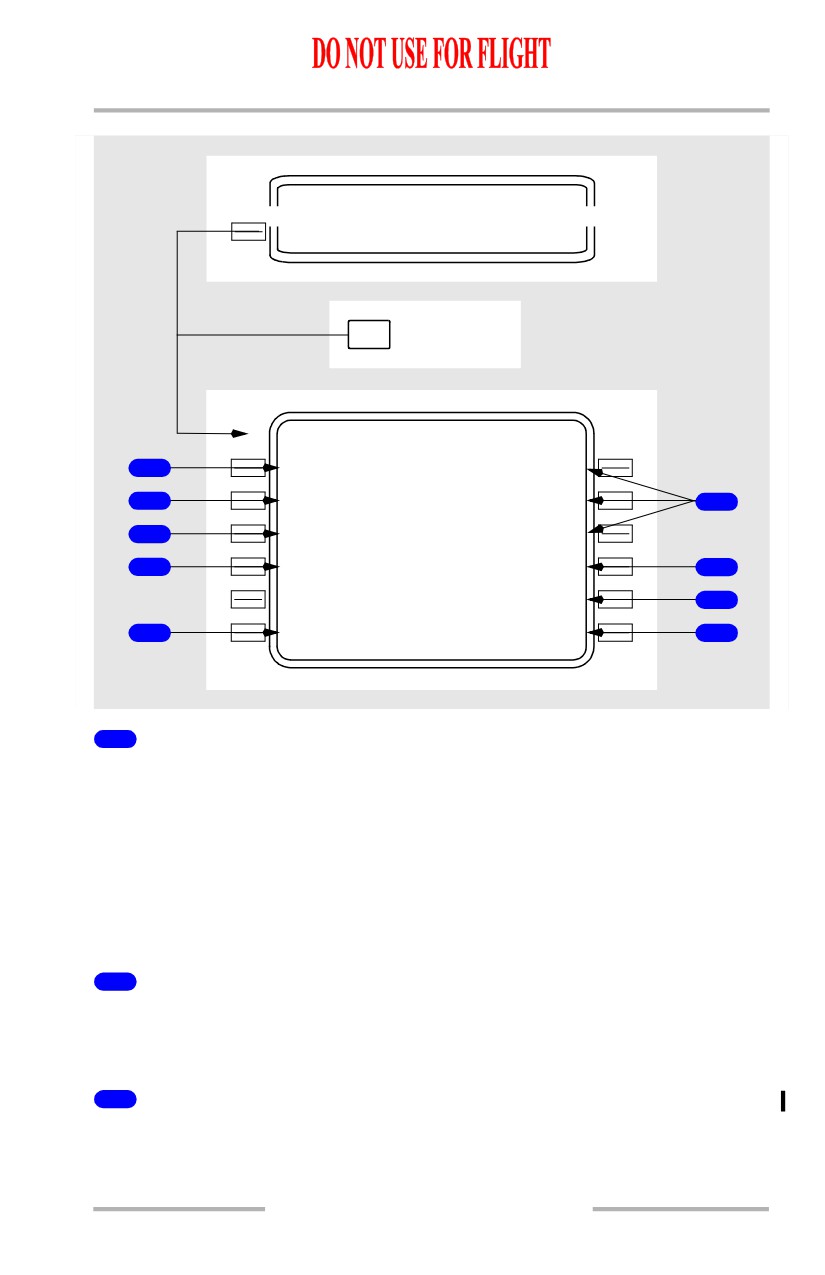
To Waypoint (TO XXXXX)
Displays computed ETA and distance to go to T/D when not in an active descent
mode.
If an early descent is in progress (initiated using DES NOW prompt), ETA and
distance to go to original T/D is displayed until passing the T/D.
If a descent mode is active, displays ETA and distance to go to the first of the
following points:
• the waypoint in the AT XXXXX line
• an intermediate T/D (TO T/D - XXXXX, where XXXXX is the altitude).
The display is blank if a path descent is not available, or if the AT XXXXX line is
blank and no T/D information is displayed.
4
Waypoint/Altitude (WPT/ALT)
Displays the waypoint and altitude that serves as the basis for the vertical bearing
(V/B) display on line 4R.
Normally displays the same waypoint/altitude restriction that is displayed on the
AT XXXXX line.
May be overwritten by pilot entry.
[Option - FMC U10.5 and later]
A runway identifier may be entered for a runway at the destination airport of the
displayed flight plan.
Dash prompts are displayed if there is no entry.
5
Vertical Path Parameters (FPA V/B V/S)
Displays the following parameters related to the present vertical path:.
• FPA - actual flight path angle based on present ground speed and vertical
speed (that is, the present vertical bearing being flown)
• V/B - vertical bearing direct from present position on the WPT/ALT line
(that is, the flight path angle required if flying direct to the waypoint and
altitude on the WPT/ALT line).
• V/S - the required vertical speed (in fpm, based on present ground speed)
to fly the displayed V/B.
Blank if no entry on the WPT/ALT line.
6
SPEED
Displayed on PATH DES pages.
Push - selects the related SPD DES page.
11.43.8
Flight Management, Navigation -
FMC Descent and Approach
Boeing 737 Operations Manual
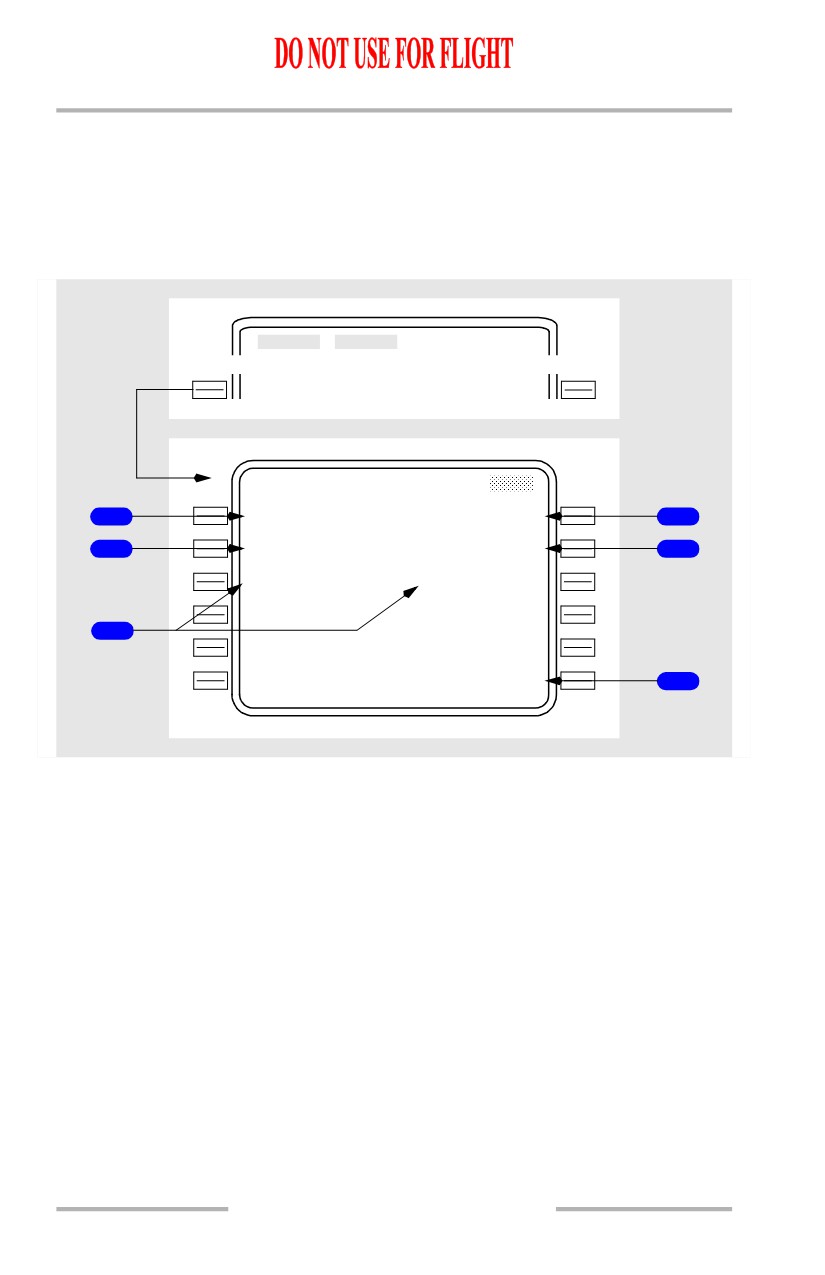
7
RTA
Displayed when DES NOW or ERASE prompt is not displayed.
Push - selects the RTA PROGRESS page.
RTA Descent Page
RTA Descent pages are displayed when an RTA mode is active. Displays are the
same as on other descent pages except as noted.
ACT RTA SPD DES
ACT RTA PATH
DES
1 / 1
E / D A L T
A T B A R O N
20
1
3
230/6000A
T G T S P D
T I M E E R R O R
1
.704/2
6
0
ON TIME
2
S P D R E S T
W P T / A L T
240/100
0
0
BARON/6000
V E R T D E V
F P A V / B
V / S
24
H
I
3.8
6.2
2360
- - - - - - - -
-
-
- - - - - - - - - - - - - -
<ECO N
SPEED>
<FORECAS T
RTA>
3
1
Target Speed (TGT SPD)
Displays computed RTA target speed.
Changes to FMC target speed if the RTA mode is exited.
2
TIME ERROR
Displays computed time error at the RTA waypoint.
Same as time error line on RTA PROGRESS page.
3
RTA
Push - selects the RTA PROGRESS page.
11.43.9
Flight Management, Navigation -
FMC Descent and Approach
Boeing 737 Operations Manual
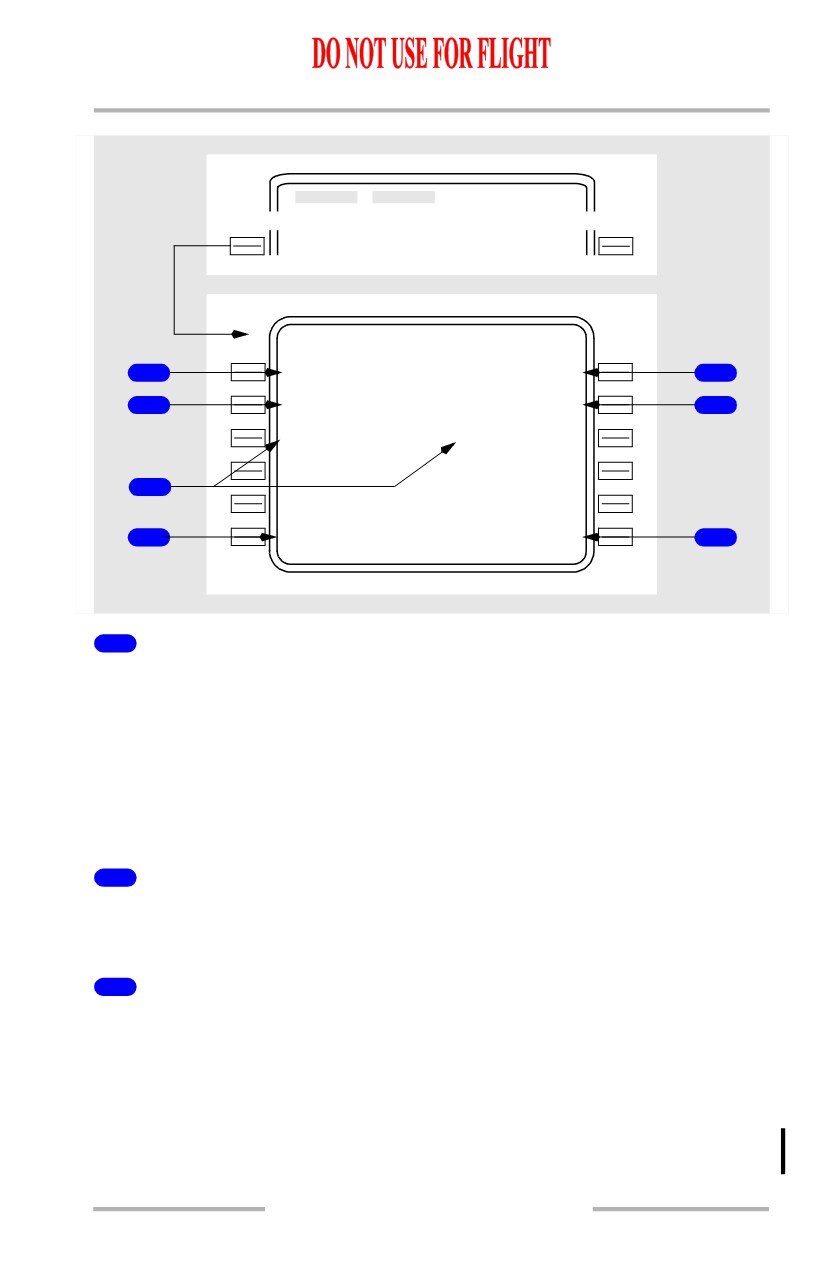
Descent Forecast Page
The descent forecast page is used for pre-descent planning to enter forecast data
for more precise descent path calculation.
The primary entries are wind direction and speed for up to three descent altitudes,
and the altitude that anti-icing is turned on and off.
DES
- - - - - - - -
-
-
- - - - - - - - - - - - - -
<FORECA
S
T
MOD DE S FORECASTS
T R A N S L V L
T A I O N / O F F
1
FL1
8
0
-----/-----
4
C A B I N R A T E
I S A D E V / Q N H
2
480F P M
---` C /------
5
A L T - - - - - W I N D - - - - D I R / S P D
FL2
1
0
078`/
69K T
50
0
0
130`/
29K T
3
---
-
-
---`/---K T
- - - - - - - - - -
E
R
ASE>
6
11.43.10
October 15, 2001
Flight Management, Navigation -
FMC Descent and Approach
Boeing 737 Operations Manual
[Option - With company data link]
DES
- - - - - - - -
-
-
- - - - - - - - - - - - - -
<FORECA
S
T
MOD DE S FORECASTS
1 / 1
T R A N S L V L
T A I O N / O F F
1
FL1
8
0
-----/-----
4
C A B I N R A T E
I S A D E V / Q N H
2
480F P M
---`C/------
5
A L T - - - - - W I N D - - - - D I R / S P D
FL2
1
0
078`/
69K T
50
0
0
130`/
29K T
3
---
-
-
---`/---K T
D E S W I N D S
- - - - - - - - - -
7
<REQUES T
ERASE>
6
1
Transition Level (TRANS LVL)
Normally displays FL180 as the assumed descent transition level.
Changes automatically if an arrival procedure having a different stored value is
entered.
Manual entry allowed and takes priority.
Data may be up-linked via ACARS message. The up-linked value will appear in
small font until EXECuted at which time it will be displayed in large font.
2
CABIN RATE
Displays the predicted cabin rate of descent required by the flight plan descent
profile.
3
Descent Wind (ALT - - - - - WIND - - - - DIR/SPD)
Allows entry of altitude and wind direction/speed for up to three forecast wind
values.
Entries may be made in any altitude sequence and will be automatically ordered
by altitude from highest to lowest.
Data may be up-linked via ACARS message. The up-linked value will appear in
small font until EXECuted at which time it will be displayed in large font.
11.43.11
Flight Management, Navigation -
FMC Descent and Approach
Boeing 737 Operations Manual
4
Thermal Anti-Ice On/Off (TAI ON/OFF)
Enter the altitudes in flight level or feet at which anti-ice is expected to be turned
on and off. This entry is informational only and has no effect on aircraft operation.
Data may be up-linked via ACARS message. The up-linked value will appear in
small font until EXECuted at which time it will be displayed in large font.
5
ISA Deviation and QNH (DEV/QNH)
Enter the average ISA deviation for descent in °C (+/-XX°C) or °F (+/-XX°F)
Enter the destination QNH altimeter setting (IN. HG. or MB). Do not enter a QFE
altimeter setting.
Data may be up-linked via ACARS message. The up-linked value will appear in
small font until EXECuted at which time it will be displayed in large font.
6
ERASE
Push - deletes modification and returns page to previously displayed descent
page.
6
ERASE or LOAD
Push - (ERASE) deletes modification and returns page to previously displayed
descent page.
Push - (LOAD) initiates the loading of ACARS up-linked descent forecasts data.
LOAD is displayed when ACARS descent forecasts has the highest load priority
and no EXECutes or ACCEPT/REJECTs are pending.
7
DES WINDS REQUEST
[Option - With company data link]
Push - transmits a data link request for descent winds.
Engine Out Descent
There are no specific engine out pages for descent. Use the normal descent
planning features and pages.
11.43.12
Flight Management, Navigation -
FMC Descent and Approach
Boeing 737 Operations Manual
Approach
During approach, LNAV and VNAV guidance normally transitions to the
approach guidance provided by navigation radios. The FMC continues to
calculate and display present position and can provide LNAV and VNAV
approach guidance for certain types of approaches when radio navigation is not
used.
The RTE LEGS and PROGRESS pages are used to manage the airplane until other
approach guidance becomes active. Other pages which support approaches are:
• APPROACH REF page - to select the approach VREF
• ARRIVALS page - to select the desired arrival and approach procedures
• HOLD page - to manage holding patterns.
Holding is described in this section but it can be used during any phase of flight.
Arrivals Page - IFR Approaches
The arrivals page allows selection of an approach, standard terminal arrival route
(STAR), and arrival transitions to the destination airport. This page can also be
used to view information about a selected airport that is not the destination. Only
procedures for the origin and destination airport can be selected for entry into the
flight plan.
The approaches, STARS/profile descents, and transitions are displayed and
selected on this page.
October 15, 2001
11.43.13
Flight Management, Navigation -
FMC Descent and Approach
Boeing 737 Operations Manual
DE
P
/
ARR INDEX
<DE P
K BFI
ARR>
KAT L
ARR>
1
KATL ARRIVALS
1 / X
S T A R S
A P P R O A C H E S
2
LG
C
2
ILS
08
4
MACE
Y
1
ILS
09R
RM
G
8
ILS
26
SINC
A
1
ILS
27L
P R O F D E S
CANU K
ILS
27R
- - - - - - - -
-
-
- - - - - - - - - - - - - -
3
<INDE X
ROUTE>
5
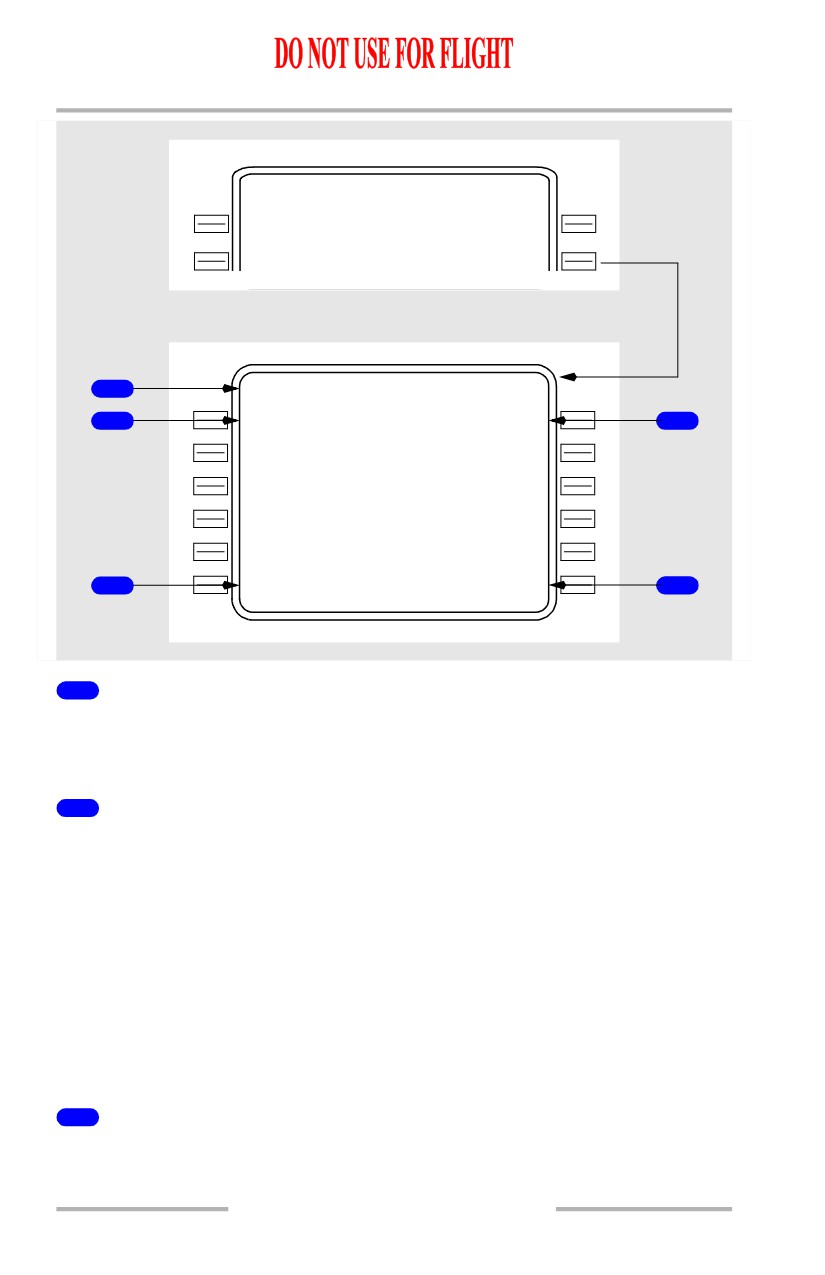
1
Page Title
The destination airport identifier is displayed in the title.
Airports with more than 5 runways or STARs produce multiple arrivals pages.
2
Standard Terminal Arrival Routes (STARS)
Upon initial selection, an alphabetical listing of all STARS and profile descents is
displayed.
STARS are displayed first in a list under the STAR label. Profile descents are
listed after the STARS under the PROF DES label.
Selection of the desired STAR deletes all other STARs and non-applicable
approaches/runways, and displays a listing of any arrival transitions applicable to
that STAR.
The selection of an approach or runway deletes all STARs not related to that
approach/runway.
3
INDEX
Push - displays the DEP/ARR INDEX page.
11.43.14
October 15, 2001
Flight Management, Navigation -
FMC Descent and Approach
Boeing 737 Operations Manual
4
Approaches and Runways (APPROACHES)
Upon initial page display, an alphabetical listing of all approaches for the airport,
followed by a numerical listing of all runways, is displayed.
Selection of the desired approach or runway deletes all other approaches/runways.
5
ROUTE
Push - displays the RTE page.
October 15, 2001
11.43.15
Flight Management, Navigation -
FMC Descent and Approach
Boeing 737 Operations Manual
Arrivals Page during approach selection
Display after STAR selected
3
KATL ARRIVALS
1 / 2
S T A R S
A P P R O A C H E S
1
MACEY1
<S EL>
<ACT>ILS
08
4
T R A N S
2
KM X
ILS
09R
MA C
ILS
26
PS K
ILS
27L
TD C
ILS
27R
- - - - - - - -
-
-
- - - - - - - - - - - - - -
<ERAS E
ROUTE>
Display after STAR Transition and Approach/Runway selected
KATL ARRIVALS
1 / 1
S T A R S
A P P R O A C H E S
MACEY1
<S EL>
<SEL>ILS
26
6
T R A N S
T R A N S
5
PSK
<S EL>
CONN1
7
PURPS
- - - - - - - -
-
-
- - - - - - - - - - - - - -
<ERAS E
ROUTE>
Display after executing
KATL ARRIVALS
1 / 1
S T A R S
A P P R O A C H E S
MACEY1
<A CT
>
<ACT>ILS
26
T R A N S
T R A N S
PSK
<A CT
>
<ACT>PURPS
8
11.43.16
October 15, 2001
Flight Management, Navigation -
FMC Descent and Approach
Boeing 737 Operations Manual
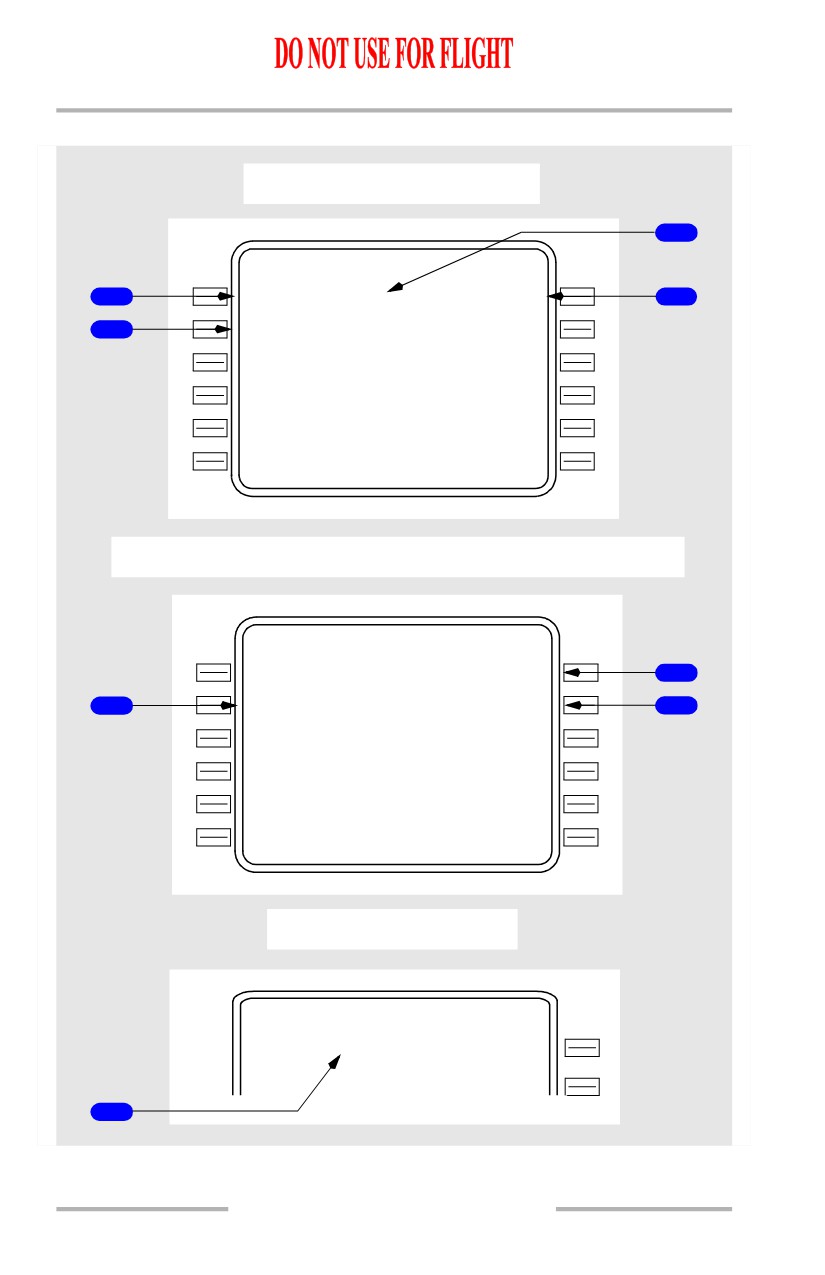
1
STARS
Displays the selected STAR.
2
Arrival Transitions (TRANS)
Displays all arrival transitions related to the selected STAR.
3
Selected Status Label (<SEL>)
Identifies arrival/approach procedures or a runway which has been selected for
entry into the route, but not executed.
All <SEL> entries propagate to the MOD RTE and MOD RTE LEGS pages for
subsequent execution.
4
Approach and Runway (APPROACHES, RUNWAYS)
Displays all approaches related to the selected STAR, followed by all related
runways (unless the desired approach/runway was selected on the initial display).
5
Arrival Transition (TRANS)
Displays the selected arrival transition.
6
APPROACHES
Displays selected approach/runway.
7
Approach Transition (TRANS)
Displays all approach transitions related to the selected approach.
8
Active Status Labels (<ACT>)
Following execution of the selected entries, the arrival/approach procedures and
runway are identified as active.
Note: For an existing active route, the execute key illuminates upon STAR or
approach/runway selection. Following selections, the ERASE prompt is
available. Selections should be executed on the RTE or RTE LEGS pages
after linking any route discontinuities.
October 15, 2001
11.43.17
Flight Management, Navigation -
FMC Descent and Approach
Boeing 737 Operations Manual
Arrivals Page - Runway Extension Fix
Initial display
KATL ARRIVALS
2 / 2
S T A R S
A P P R O A C H E S
LG
C
2
ILS
27L
MACE
Y
1
ILS
27R
R U N W A Y S
RM
G
8
08L
SINC A
08R
P R O F D E S
CANU K
09L
- - - - - - - -
-
-
- - - - - - - - - - - - - -
<INDE X
ROUTE>
Display after runway 08L selected
KATL ARRIVALS
1 / 2
S T A R S
R U N W A Y S
LG
C
2
<SEL>
08L
MACE
Y
1
ILS
27R
R
W
Y E X T
RM
G
8
- - . - - N M
1
Display after runway 08L extension inserted
KATL ARRIVALS
1 / 2
S T A R S
R U N W A Y S
LG
C
2
<SEL>
08L
MACE
Y
1
ILS
27R
R
W
Y E X T
RM
G
8
16.0N M
Display after execution
KATL ARRIVALS
1 / 2
S T A R S
R U N W A Y S
LG
C
2
<ACT>
08L
MACE
Y
1
ILS
27R
R
W
Y E X T
RM
G
8
16.0N M
11.43.18
October 15, 2001
Flight Management, Navigation -
FMC Descent and Approach
Boeing 737 Operations Manual
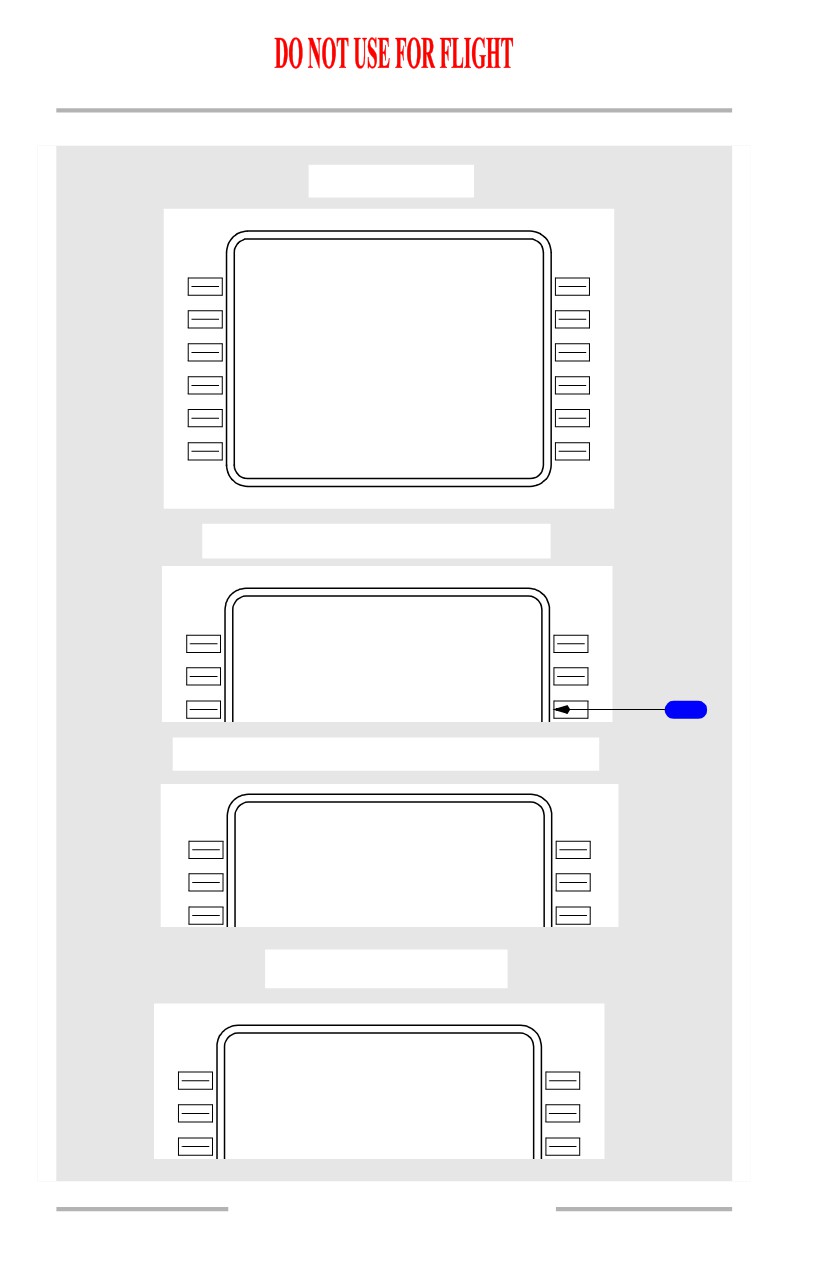
1
Runway Extension (RWY EXT)
Permits entry of runway extension waypoint following selection of desired
runway.
Desired extension distance is entered in scratch pad, then inserted on RWY EXT
line. This creates a waypoint on the extended runway centerline at the specified
distance from the threshold.
Waypoint is identified on the RTE and RTE LEGS pages as RXYYY, where YYY
is the runway designation.
October 15, 2001
11.43.19
Flight Management, Navigation -
FMC Descent and Approach
Boeing 737 Operations Manual
Approach Reference Page
The approach reference page displays approach planning information and
approach reference speed (VREF) selection. The displayed data is for the DEST
airport and the arrival/ approach entered into the FMC flight plan.
[Option - FMC U10.3 and earlier]
INIT/ REF INDEX
<APPROAC H
INIT
In flight
REF
APP ROACH
REF
1 / 1
G R O
S S
W
T
F L A P S
V R E F
1
108.5
15`
142 K T
G A
N
1
2
92.0/
92
0%
30`
134 K T
6
40`
131 K T
K M W H 3
2
R
W I N D C O R R
3
13500F T 4
1
1
5M
+ 0 5 K T
7
I L S 3
2
R
F R O N T C R S
4
109.50IM
W
H
324`
8
- - - - - - - -
-
-
- - - - - - - - -
-
- - - -
5
<INDE X
1
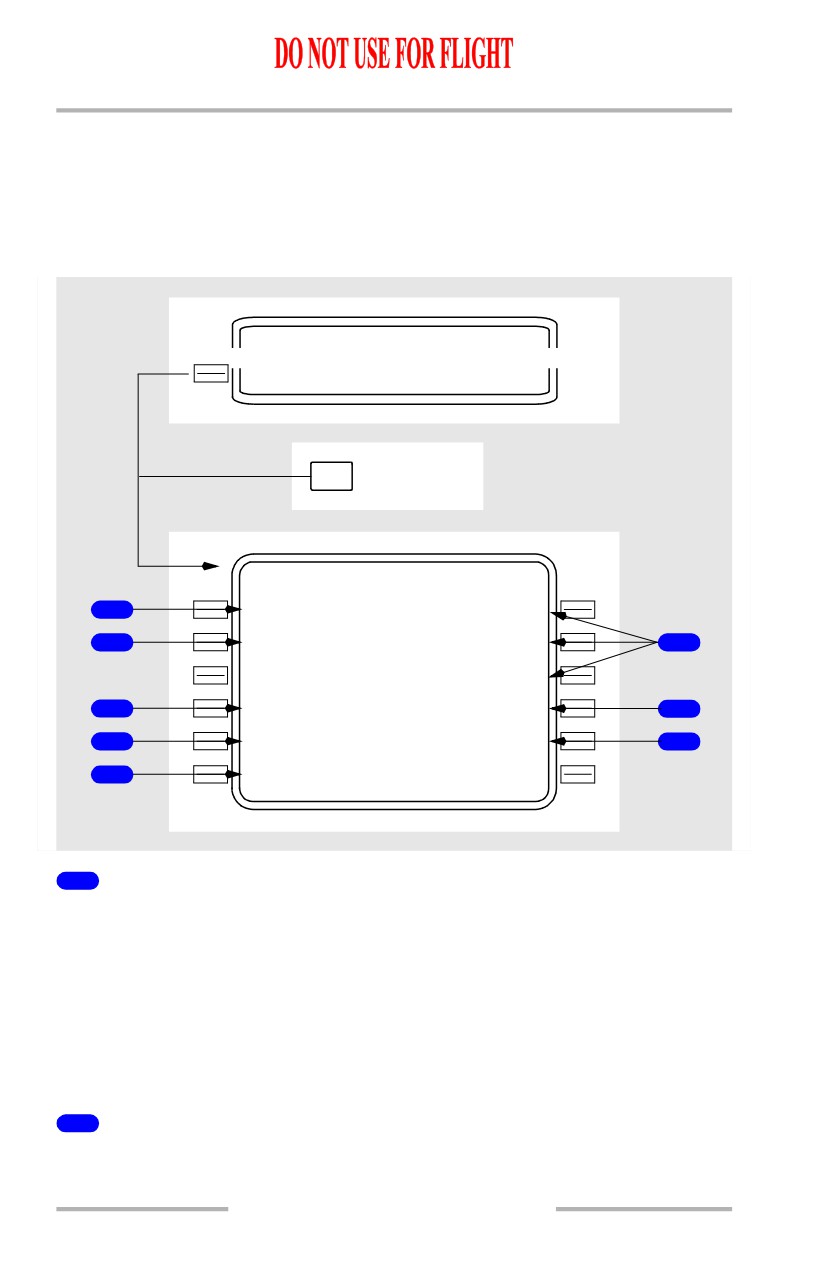
Airplane Gross Weight (GROSS WT)
Normally displays the FMC calculated airplane gross weight.
A manual entry of gross weight is allowed.
Displays box prompts when gross weight is not available from the FMC.
Valid entry is XXX.X.
Leaving and returning to this page replaces a manually entered weight with FMC
computed gross weight.
2
Go-Around N1 (GA N1)
Displays the computed N1 go-around limit, based on present pressure altitude,
temperature, and bleed configuration.
11.43.20
Flight Management, Navigation -
FMC Descent and Approach
Boeing 737 Operations Manual
3
Runway Length
Displays the length in feet and meters of the referenced runway.
Blank if no runway has been entered and executed.
4
Approach Information
Displays the runway number and associated ILS frequency/identifier for the ILS,
LOC, or back course approach in the active flight plan.
Blank if no approach has been executed.
5
INDEX
Push - selects the INIT/REF INDEX page.
6
Vref (FLAPS - - - VREF)
Displays landing Vref for three flap settings as computed by the FMC. Displayed
in small size characters.
Double line selection of a displayed Vref, or manual entry of another value, causes
Vref to be displayed on the airspeed display. CDU display changes to large size
characters.
Speeds are based on displayed gross weights.
Double line selection provides Vref to be used by VNAV in combination with
wind correction.
Vref, once selected, will not be updated. To obtain an updated speed, the current
speed must be deleted or a different Vref selected or entered.
7
Wind Correction (WIND CORR)
Displays current wind correction for approach. Default is +05 knots.
Manual input of desired wind correction may be made up to +20 knots.
8
Front Course (FRONT CRS)
Displays front course for the approach displayed on ILS approach line.
Blank if no ILS approach selected.
11.43.21
Flight Management, Navigation -
FMC Descent and Approach
Boeing 737 Operations Manual
[Option - FMC U10.4 and later]
INIT/ REF INDEX
<APPROAC H
INIT
In flight
REF
APP ROACH REF
1 / 1
G R O S
S
W
T
F L A P S
V R E F
1
108
5
15`
142 K T
9
3
0
`
134 K T
5
K M W H 3
2
R
2
13500FT 41
1
5M
40`
131 K T
I L S
32 R / C R S
F L A P / S P D
3
109.50I M
W
H
/324`
--/---
6
W I N D C O R R
+ 0 5 K T
7
- - - - - - - -
-
-
- - - - - - - - -
-
- - - -
4
<INDE X
11.43.22
Flight Management, Navigation -
FMC Descent and Approach
Boeing 737 Operations Manual
[Option - With QFE/QNH selection and alternate destination prediction]
INIT/ REF INDEX
<APPROAC H
INIT
In flight
REF
APPROACH
REF
1 / 1
G R O S S
W
T
F L A P S
V R E F
1
108
5
15`
11442 K T
G A
N
1
9
<QFE/QNH2
0%
30`
11334 K T
5
K M W H 3
2
R
2
13500FT 41
1
5M
4
0
`
11331 K T
I L S H 3
2
R
/
C
R S
W F L AP / S P D
3
109.50I M
W
H
/324`
--/---
6
I L S
3
2
R
W I N D T C O R R
109.5
I M W H
+ 0352K4T
7
- - - - - - - -
-
-
- - - - - - - - - - - - - -
4
<INDEX
ALTN DEST>
8
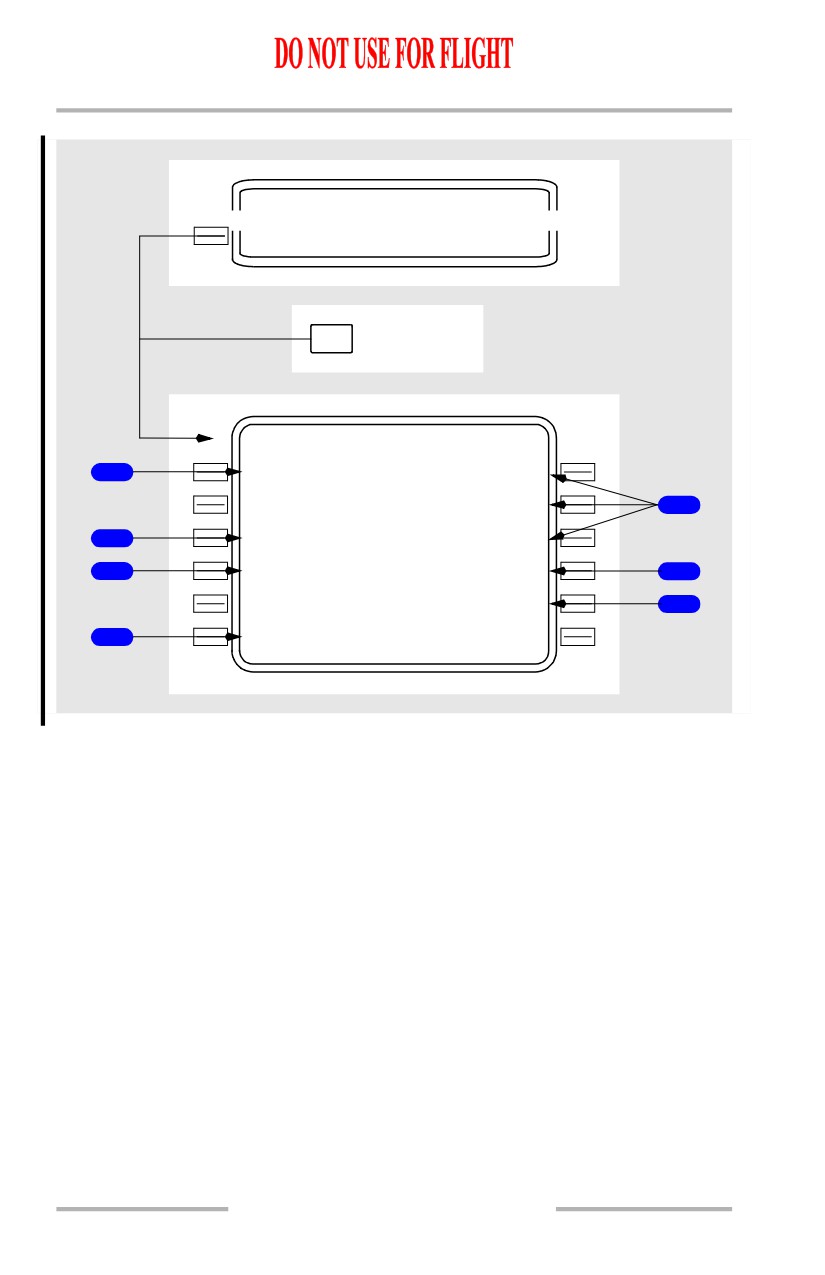
1
Airplane Gross Weight (GROSS WT)
Normally displays the FMC calculated airplane gross weight.
A manual entry of gross weight is allowed.
Displays box prompts when gross weight is not available from the FMC.
Valid entry is XXX.X.
Leaving and returning to this page replaces a manually entered weight with FMC
computed gross weight.
2
Runway Length
Displays the length in feet and meters of the referenced runway.
Blank if no runway has been entered and executed.
3
Approach Information
Displays the runway number and associated ILS frequency/identifier for the ILS,
LOC, or back course approach in the active flight plan.
11.43.23
Flight Management, Navigation -
FMC Descent and Approach
Boeing 737 Operations Manual
Displays front course, if an ILS, localizer, or localizer backcourse is displayed on
4L. If the course is true displays is suffixed with “T”.
Blank if no approach has been executed.
4
INDEX
Push - selects the INIT/REF INDEX page.
5
Vref (FLAPS - - - VREF)
Displays landing Vref for three flap settings as computed by the FMC. Displayed
in small size characters.
Selection causes the flap and VREF speed to be placed in 4R.
Double line selection of a displayed Vref, or manual entry of another value, causes
the flap and VREF speed to be placed in 4R and causes Vref to be displayed on
the airspeed display. CDU display changes to large size characters.
Speeds are based on displayed gross weights.
Double line selection provides Vref to be used by VNAV in combination with
wind correction.
Vref, once selected, will not be updated. To obtain an updated speed, the current
speed must be deleted or a different Vref selected or entered.
6
Flap/Speed (FLAP/SPD)
Displays selected approach reference flap and speed setting.
[Option - FMC U10.4 or U10.4A]
If selected value is not one of the three settings displayed on lines 1R to 3R, a flaps
40 value will be utilized.
[Option - FMC U10.5 and later]
If selected value is not flaps 15, 30 or 40, a flaps 40 value will be utilized.
Manual input of desired flap and/or speed settings may be made.
Valid entry format is FF/SSS, SSS, /SSS, FF/ or F/, where F or FF is a flap setting
of 0, 1, 2, 5, 10, 15, 25, 30, 40 and SSS is a speed within the range displayed in 1R
to 3R.
Entries may be deleted and are blanked at flight completion..
7
Wind Correction (WIND CORR)
Displays current wind correction for approach. Default is +05 knots.
Manual input of desired wind correction may be made up to +20 knots.
Flight Management, Navigation -
FMC Descent and Approach
Boeing 737 Operations Manual
8
Alternate Destination (ALTN DEST)
[Option - With alternate destination prediction]
Push - selects alternate Destination page.
9
Landing Reference (LANDING REF)
[Option - With QFE/QNH selection]
Push - Toggles altimeter reference between QFE and QNH.
Default is QNH.
Resets to QNH at flight complete.
Reflects TAKEOFF REF selection on TAKEOFF REF page 2.
Active altimeter reference is highlighted.
During descent with QFE selected, the PFD altitude indications show zero feet at
the arrival runway. The PFD altitude indication background colors change to
green.
If QFE is the current altimeter reference, and the EFIS control panel STD switch
is pushed, The takeoff reference automatically toggles to QNH.
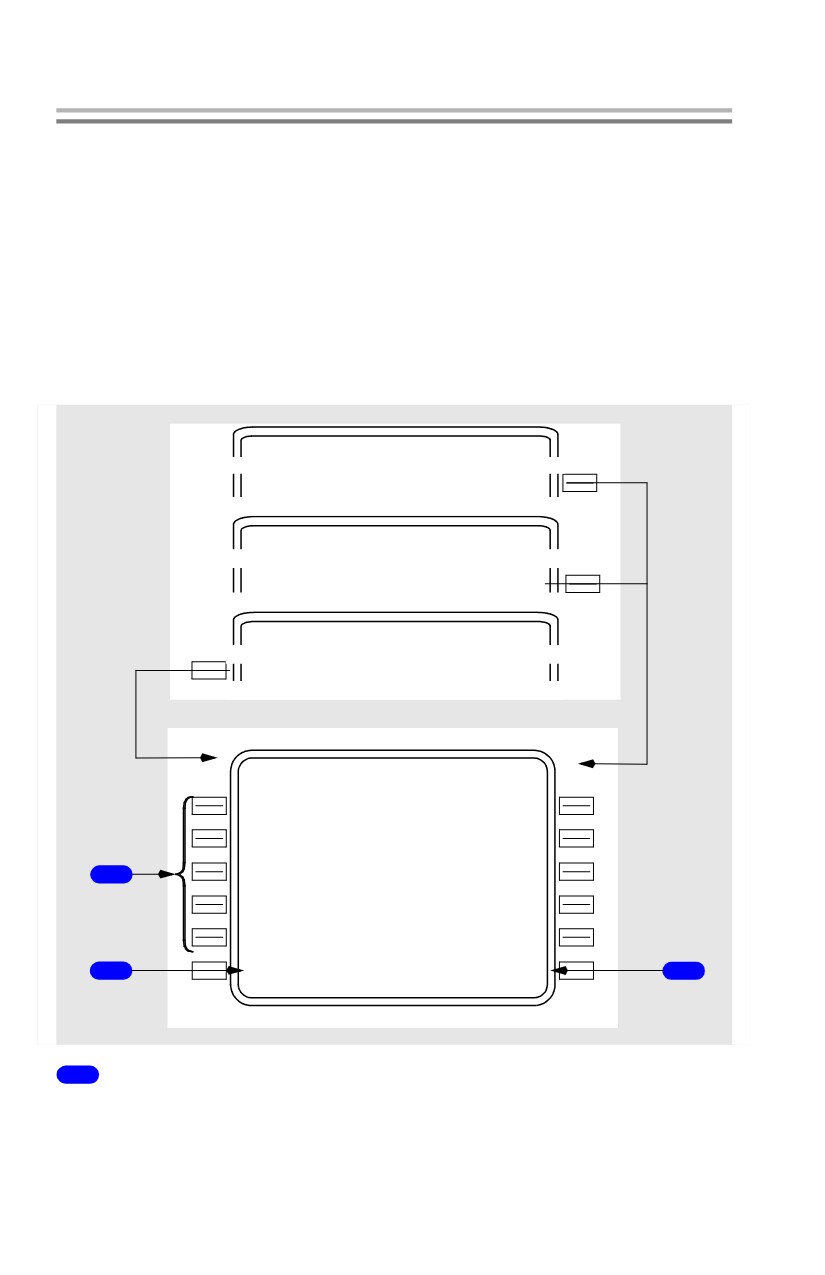
Alternate Airport Diversions
[Option - With alternate destination prediction]
Alternate Dests Page 1/X
The alternate destinations pages allow the selection of alternate airports and the
display of data about the alternates.
The ALTERNATE DESTS page 1/X allows entry and display of up to five
alternate airports. Pages 2 through 6 allow entry and display of data related only
to the selected alternate.
[Option - With company data link]
INIT/ REF INDEX
ALT N DEST>
APP ROACH REF
1 / 1
- - - - - - - -
-
-
- - - - - - - - - - - - - -
ALTN DEST>
ACT RT E
1 / X
<ALTN DES T
ALTERN ATE DESTS
1 / 6
A L T N V I
A
D
T G
E T A
F U E L
KCHA
D
3
00
1525Z
5.1>
KCLT
M
4
32
1338Z
3.5>
1
KLG
A
D
85
1358Z
18.6>
---
-
-
>
---
-
-
>
W E A T H E R
3
<REQUES T NEAREST ARPTS>
2
1
Alternate Airports (ALTN)
Allows entry of alternate destination. Valid entries are airports, navaids, or
waypoints.
Related data (VIA, DTG, ETA, FUEL) is automatically displayed.
Flight Management, Navigation -
FMC Descent and Approach
Boeing 737 Operations Manual
Push - selects page 2/X-6/X for data on selected alternate.
The DELETE function key can be used to remove manually entered alternates.
2
Nearest Airport (NEAREST ARPTS)
Push - commands FMC to search navigation database for the five airports nearest
to the airplane’s present position. The airports are displayed on pages 2 through 6.
Page title changes to NEAREST ARPTS.
NEAREST ARPTS prompt is replaced with PREVIOUS prompt. Selection
returns display to ALTERNATE DESTS page.
Selection cannot be overwritten or deleted.
3
WEATHER REQUEST
[Option - With company data link]
Push - transmits data link request for alternate destination weather uplink.