FANUC Series 30i/300i/300is-MODEL A. Machining Center System. User's manual - page 214
12.SETTING AND DISPLAYING DATA
OPERATION
B-63944EN/03
- 1668 -
7
To end the edit operation, press horizontal soft key [EXIT].
This returns the screen display to the conventional tool
management screen.
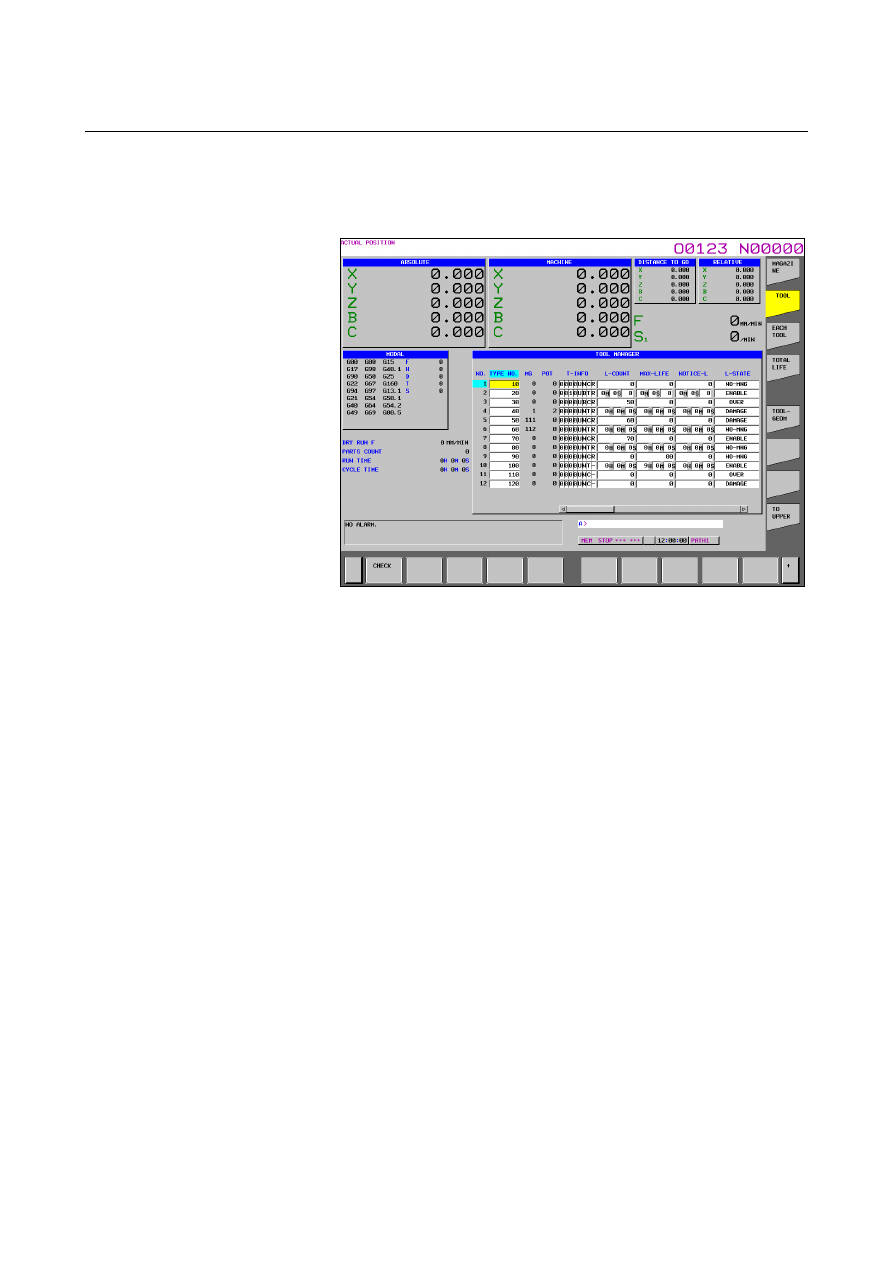
Fig. 12.3.24.2 (b) Tool management data screen (check function)
(15-inch)
8
When horizontal soft key [CHECK] is pressed, if there are tools
with the same number but with different count types (count and
time), the cursor moves to the tool type number of the smallest
tool management number in the tool type numbers and a warning
message appears.
The warning messages issued by the check function are shown
below.
<1> For the same type of tools with different count types
L-COUNT TYPE MISMATCH:XXXXXXXX
<2> For the same type of tools with the same count type
L-COUNT TYPE MATCH