FANUC Series 30i/300i/300is-MODEL A. Machining Center System. User's manual - page 145
 

  Index      Manuals     FANUC Series 30i/300i/300is-MODEL A. Machining Center System. User's manual (B-63944EN/03)


Search            copyright infringement  


Content      ..     143      144      145      146     ..


FANUC Series 30i/300i/300is-MODEL A. Machining Center System. User's manual - page 145


4.AUTOMATIC OPERATION

 OPERATION 

B-63944EN/03


- 1116 - 

NOTE 


In the two cases above, program erasure can be 
prevented by setting bit 6 (MKP) of parameter No. 
3204 to 1. 


In MEM mode, if memory operation is performed. 


In EDIT mode, if any editing is performed. 

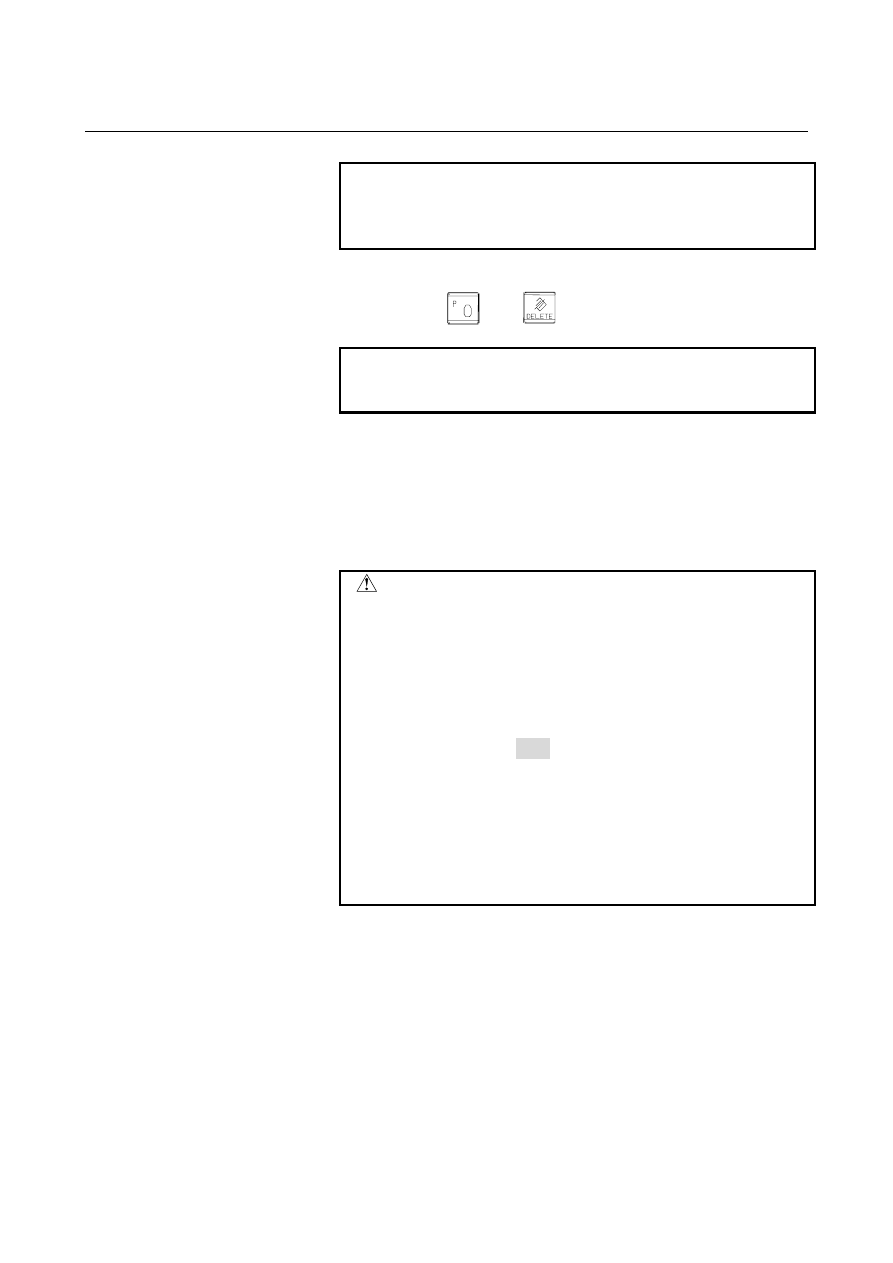
 When 

the 


 and 

  keys are pressed. 


Upon reset when bit 7 (MCL) of parameter No.3203 is set to 1 

NOTE 


Upon reset when the parameter MCL = 0, the cursor 
moves to the end of the program. 


 - Restart 

If a program is not executed even once after the program is input, the 
program is executed from the beginning, regardless of where the 
cursor is placed.  However, a program is executed starting at the 
beginning of the block where the cursor is place, if the program is 
stopped for a reason such as single block operation after restart of an 
MDI operation then is restarted after an editing operation. 

 CAUTION 


When an MDI program is restarted, the program is 
executed starting at the beginning of the block 
where the cursor is placed, regardless of the cursor 
position in the block. 

(Example) 
 

When the cursor is placed on G90 


G91 X100.0 G90Y200.0 Z300.0 ; 


The program is executed starting at the 
beginning (namely, G91) of this block.    So, the 
tool moves by 100.0 along the X-axis in the 
incremental programming, and moves to 200.0 
and 300.0 along the Y-axis and Z-axis, 
respectively, in the absolute programming. 


  - Editing a program during MDI operation 

A program can be edited during MDI operation.  By setting bit 5 
(MIE) of parameter No. 3203 to 1, editing can be disabled.    However, 
even when bit 5 (MIE) of parameter No. 3203 is set to 1, editing can 
be enabled by resetting the operation. 
 

B-63944EN/03

 OPERATION 

4.AUTOMATIC OPERATION


- 1117 - 

 - Absolute/incremental command 

When bit 4 (MAB) of parameter No. 3401 is set to 1, the 
absolute/incremental programming of MDI operation does not depend 
on G90/G91.    In this case, the incremental programming is set when 
bit 5 (ABS) of parameter No. 3401 is set to 0, and the absolute 
programming is set when bit 5 (ABS) of parameter No. 3401 is set to 
1. 
 

Parameter MAB 

(No.3401#4)=0 

Parameter MAB (No.3401#4)=1 

Parameter ABS 

(No.3401#5)=0 

Parameter ABS 

(No.3401#5)=1 

Absolute mode 

operation with G90 

command, and 

incremental 

programming operation 

with G91 command 

Incremental mode 

operation at all times, 

independent of 

G90/G91 command 

Absolute mode 

operation at all times, 

independent of 

G90/G91 command 


NOTE 

When G code system A is used on a lathe system, 
the parameters MAB and ABS are invalid. 


Limitation 
 - Program registration 

Programs created in MDI mode cannot be registered. 
 

  - Number of characters in a program 

A created program can consist of up to 511 characters including 
"O0000" automatically inserted. 
 

 - Subprogram nesting 

The subprogram call command (M98) can be described in a program 
created in MDI mode.  That is, programs that are registered in 
memory through MDI operation can be called and executed.  The 
level of subprogram call nesting is the same as in MEM operation. 
 

 - Macro call 

When the custom macro function is enabled, a macro program can be 
created and executed even in the MDI mode.  Moreover, a macro 
program can be called for execution. 
 

NOTE 


The GOTO statement, WHILE statement, and DO 
statement cannot be executed in a program 
created in the MDI mode.    An alarm PS0377 is 
issued. 


When a program including those statements is to 
be executed, register the program in the program 
memory then call the program for execution. 


4.AUTOMATIC OPERATION

 OPERATION 

B-63944EN/03


- 1118 - 

4.3 

DNC OPERATION 

 
By activating automatic operation during the DNC operation mode 
(RMT), it is possible to perform machining (DNC operation) while a 
program is being read in via reader/puncher interface. 
To use the DNC operation function, it is necessary to set the 
parameters related to the reader/punch interface in advance. 
The procedure described below is just an example.  For actual 
operation, refer to the relevant manual of the machine tool builder. 
 

DNC operation 

Procedure 

Press the REMOTE switch on the machine operator's panel to 
enter the RMT mode. 

Select the program to be executed.   


Selecting a DNC operation file 


On the memory card (or floppy cassette) list screen, move 
the cursor to the file to be subjected to DNC operation and 
press "DNC SET" to select the file to be subjected to DNC 
operation.    (The selected file is marked with "D".) 


Releasing a DNC operation file 


On the memory card (or floppy cassette) list screen, move 
the cursor to the file for which DNC operation is released 
and press "DNC CLEAR" to release the DNC operation file.   
(The "D" mark for the file is removed.) 


B-63944EN/03

 OPERATION 

4.AUTOMATIC OPERATION


- 1119 - 

3  Press the cycle start switch to execute the selected file.  For 

details on the REMOTE switch, refer to the manual provided by 
the machine tool builder. 

4  During DNC operation, executed programs are listed on the 

program check screen and program screen. 


Fig. 4.3 (a) PROGRAM screen 


Fig. 4.3 (b) PROGRAM CHECK screen 


4.AUTOMATIC OPERATION

 OPERATION 

B-63944EN/03


- 1120 - 

NOTE 

1  Before selecting a DNC operation file, be sure to 

release all schedule data.    DNC operation and 
schedule operation cannot be specified at the 
same time. 

2  A DNC operation file cannot be released during 

DNC operation. 

3  To switch between devices when DNC settings are 

made, release the settings and then make the 
settings again.


Explanation 

During DNC operation, subprograms and macro programs stored in 
memory can be called. 
 

Limitation 
  - M198 (command for calling a program from within an external input/output unit) 

In DNC operation, M198 cannot be executed.    If M198 is executed, 
alarm PS0210 is issued. 
 

 - Custom macro 

In DNC operation, custom macros can be specified, but no repeat 
instruction and branch instruction can be programmed.  If a repeat 
instruction or branch instruction is executed, alarm PS0123 is issued. 
 

 - M99 

For returning from a subprogram or macro program to the calling 
program during DNC operation, the specification of a return command 
(M99P...) with a sequence number specified is not allowed. 
 

B-63944EN/03

 OPERATION 

4.AUTOMATIC OPERATION


- 1121 - 

4.4 

SCHEDULE OPERATION 


To perform schedule operation, select files (programs) registered in a 
memory card and specify the sequence of execution and the repetition 
count of each program. 
 

Schedule operation 

Procedure 

Press the REMOTE switch on the machine operator's panel to 
enter the RMT mode. 

Select the program to be subjected to schedule operation. 


Setting a schedule 


Move the cursor to the file to be subjected to schedule 
operation and press the soft key [SCHEDUL ADD].    The 
files registered as schedule data are marked with "S" on the 
left sides of their file names.  The files are subjected to 
schedule operation in the order in which the files are 
selected.    When settings are made this way, the repetition 
count of execution of each file is set to 1.    To change the 
repetition count or execution order or check the schedule, 
press the soft key [SCHEDUL LIST] to display the 
schedule list screen. 


[SCHEDUL ADD]  
 

Adds the file at the cursor position as schedule data. 

[SCHEDUL DEL] 
 

Deletes the file at the cursor position from schedule data when 
the file is registered as schedule data. 

[SCHEDUL LIST] 
 

Lists the settings of schedule data to edit the repetition count or 
the like (see the next page for details). 

4.AUTOMATIC OPERATION

 OPERATION 

B-63944EN/03


- 1122 - 


Editing a schedule 


To edit schedule data, press the soft key [SCHEDUL LIST] to 
display the schedule list screen, on which schedule data can be 
edited. 


[FILE UP] 
 

Moves the file at the cursor position up one line and moves the 
replaced file down one line. 

[FILE DOWN] 
 

Moves the file at the cursor position down one line and moves 
the replaced file up one line.   

[DELETE] 
 

Deletes the file at the cursor position and moves the files below 
the cursor up one line. 

[INSERT] 
 

Moves the files below the cursor down one line. 

[ALL DELETE] 
 

Deletes all records. 


Press the cycle start switch to execute the selected files.  For 
details on the REMOTE switch, refer to the manual provided by 
the machine tool builder. 


B-63944EN/03

 OPERATION 

4.AUTOMATIC OPERATION


- 1123 - 

NOTE 

1  Before setting schedule operation, release DNC 

operation files in the MDI mode.  DNC operation 
and schedule operation cannot be specified at the 
same time. 

2  Before starting schedule operation, confirm that 

schedule data is set correctly on the schedule list 
screen. 

3  Schedule data cannot be changed or edited during 

schedule operation.    Before changing schedule 
data, make a reset to stop operation. 


Restrictions 

 -  Repetition count 

The maximum repetition count during schedule operation is 9999.  
When a negative value is specified, an endless loop (LOOP display) is 
assumed.  The file for which 0 is set is skipped and processing 
proceeds to the next file. 
 

  -   Number of registered files   

The maximum number of programs that can be registered as schedule 
setting data is 20.


 -  Selectable files 

The files to be selected as schedule setting data must be registered in 
the same directory.  (Files in the different directories cannot be 
selected.)


 -  M code 

Even if a code other than M02 and M30 in the execution program is 
executed, the current count on the schedule execution status screen is 
not increased. 
 

  -   Floppy disk directory display during execution of a file 

During schedule operation, directories in a floppy disk cannot be 
displayed in a background edit. 


  -   Intervention during automatic operation 

Intervention in schedule operation cannot be performed during 
automatic operation.


 -  During multipath control 

The scheduling function cannot be used by multiple paths at the same 
time. 


Content      ..     143      144      145      146     ..