Toyota Sequoia (2005). Manual - part 607


  Главная      Automobile - Toyota     Toyota Sequoia - Repair manual 2005 year


поиск по сайту           правообладателям


содержание   ..  605  606  607  608   ..


Toyota Sequoia (2005). Manual - part 607


I28233

–

DIAGNOSTICS

NAVIGATION SYSTEM

DI–2223

2417

4

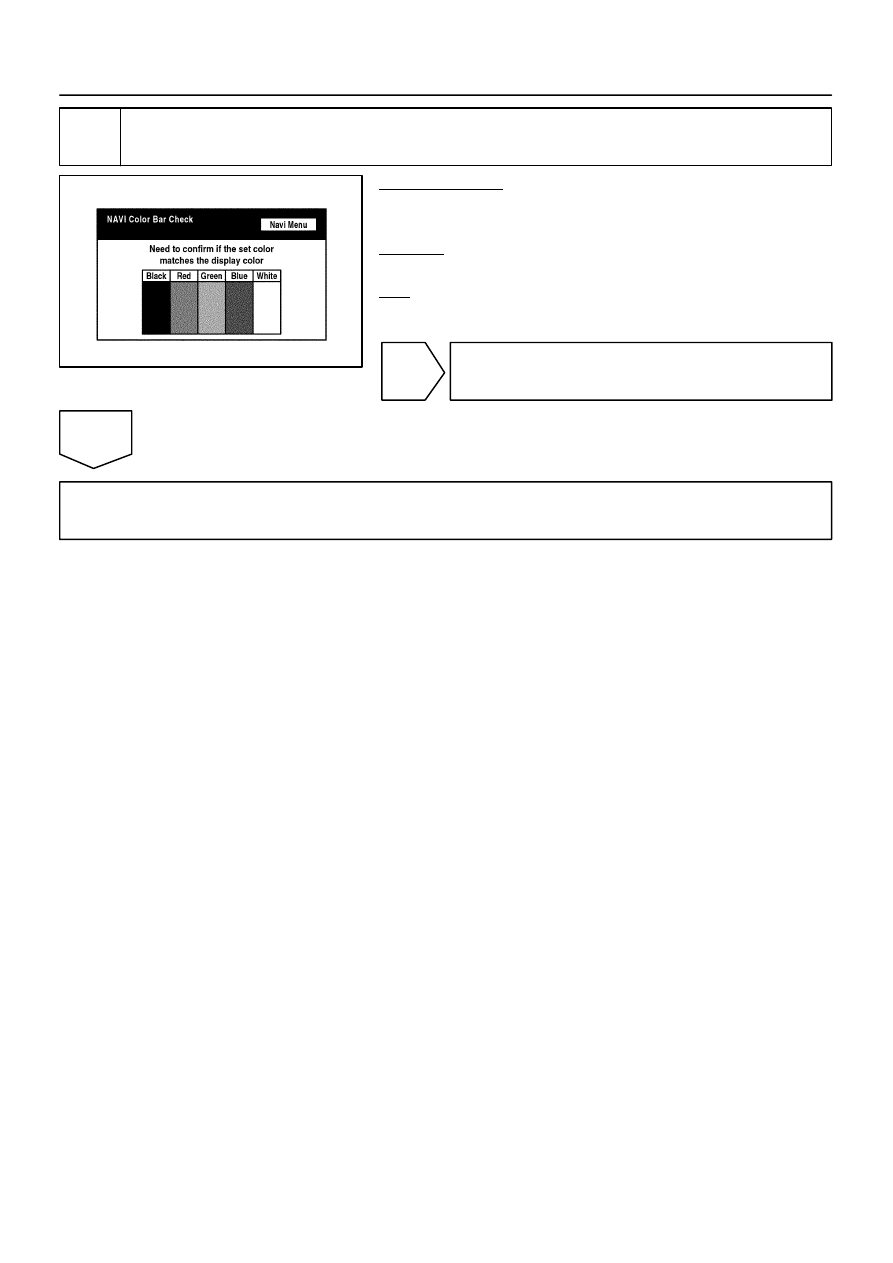
Navigation check mode (Navi color bar check).

PREPARATION:
Enter the ”Navigation Check” mode (NAVI Color Bar Check)
(See page 

DI–2180

).

CHECK:
Check that color bars match the displayed names.
OK:

Color bars match the displayed names.

NG

Replace radio and navigation assy.

OK

Proceed to next circuit inspection shown in problem symptoms table (See page 

DI–2184

).

I28254

DI–2224

–

DIAGNOSTICS

NAVIGATION SYSTEM

2418

No sound can be heard from speakers (Audio Is mute)

INSPECTION PROCEDURE

1

Check audio settings.

PREPARATION:
Enter the sound adjustment screen by pressing the ”SOUND”
switch on the AUDIO display.
CHECK:
Set volume, fader, and balance to the initial values and check
that sound is normal.
OK:

Audio returns to normal.

HINT:
Sound quality adjustment items vary depending on the type of
the amplifier.

OK

End.

NG

Proceed to next circuit inspection shown in problem symptoms table (See page 

DI–2184

).

DIDCJ–01

–

DIAGNOSTICS

NAVIGATION SYSTEM

DI–2225

2419

Radio broadcast cannot be received (Poor reception)

INSPECTION PROCEDURE

1

Check if radio auto–search functions properly.

CHECK:
Check if the radio auto–search functions properly.

Perform the auto–search of the radio and check that it functions normally.

OK:

The radio auto–search functions properly.

OK

Replace radio and navigation assy.

NG

2

Check optional components.

CHECK:
Check optional component (sun shade film, telephone antenna, etc.).

Check whether or not any optional component such as the sun shade film and the telephone antenna
is installed.

OK:

Optional component is not installed.

NG

Effect from optional component.

OK

DIDCK–01

I28255

DI–2226

–

DIAGNOSTICS

NAVIGATION SYSTEM

2420

3

Inspect radio and navigation assy.

PREPARATION:
Remove the antenna plug from the radio and navigation assy.
CHECK:
With the radio and navigation assy connector connected, turn
the ignition switch to the ACC position.
Turn on the radio and choose the AM mode.
Place a screwdriver or a piece of metal such as thin wire on an
antenna jack of the radio and navigation assy and check that
the noise is heard from the speaker.
OK:

Noise occurs.

NG

Replace radio and navigation assy.

OK

4

Check antenna assy.

CHECK:
Check that the antenna is securely installed.
OK:

The antenna is installed properly.

NG

Install antenna assy properly.

OK


содержание   ..  605  606  607  608   ..